Arkio 2.2.1
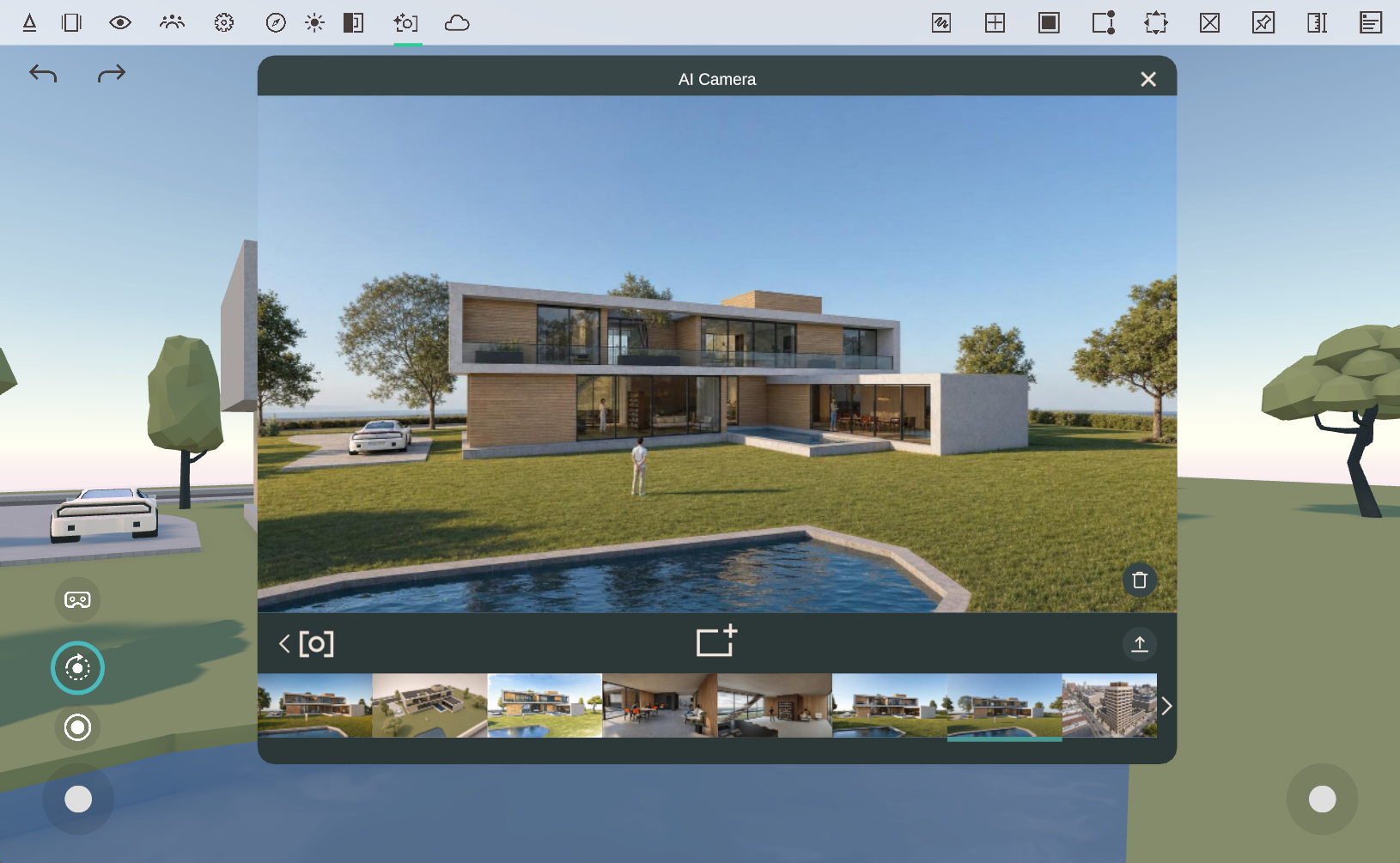
This release focuses on the AI Camera workflow, making it easier to generate high-quality results with less setup, while also delivering several workflow enhancements and interoperability fixes.
AI Camera Improvements
The AI Camera has received a significant update to improve both usability and output quality.
Enhanced Rendering Quality
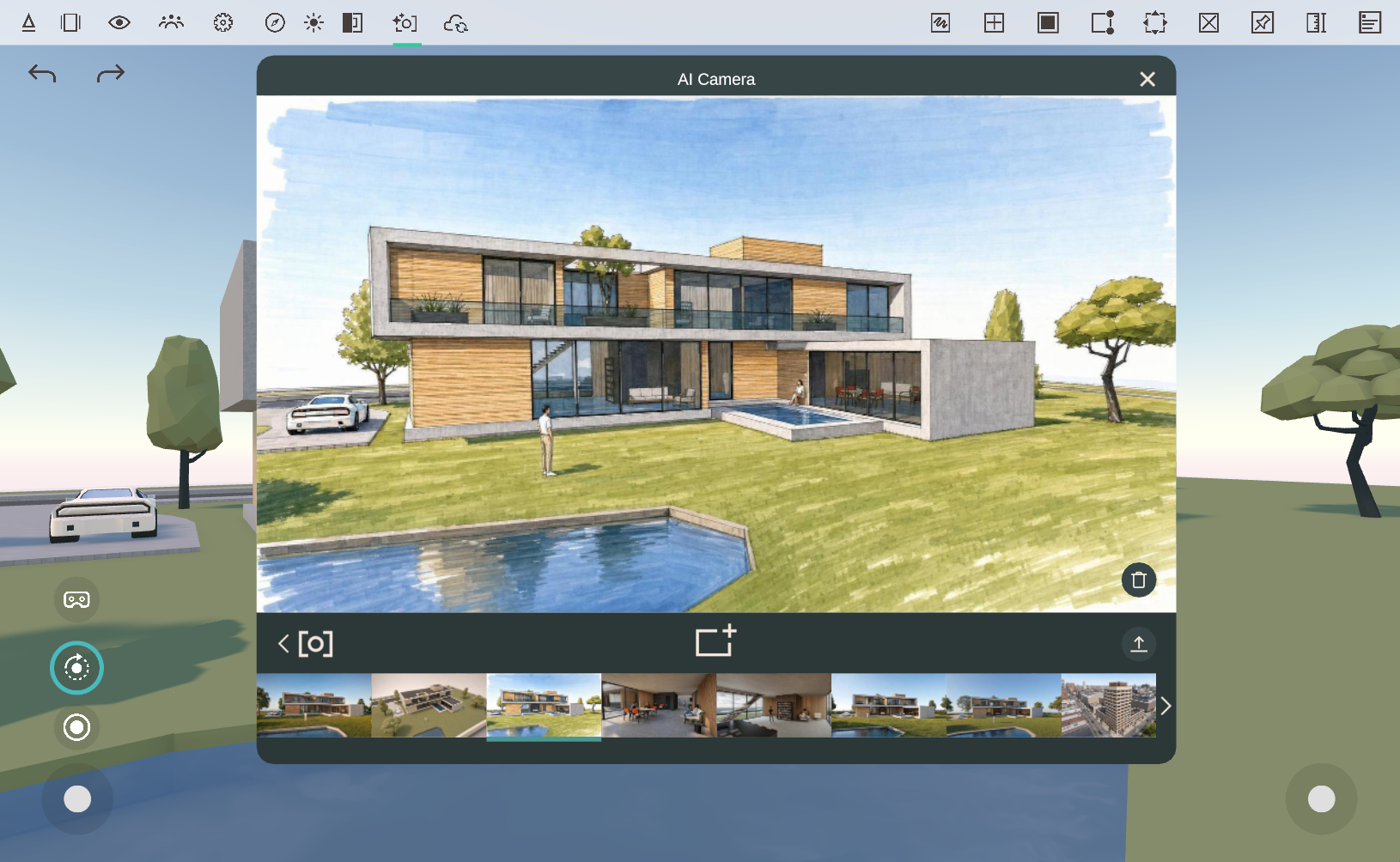
AI-generated renderings now deliver more accurate, visually consistent results, helping you quickly create compelling visualizations directly from your Arkio scenes.
Better Image Analysis
The AI Camera now does a better job of understanding and following the original source image, resulting in outputs that more closely match your intended composition and design.
Simpler Prompting
Less text is now required to achieve high-quality results, allowing you to iterate faster and spend less time crafting prompts.
Automatic Scene Recognition
You no longer need to specify whether a scene is Interior or Exterior. The AI Camera automatically determines the appropriate context, elements and materials used, simplifying the workflow.
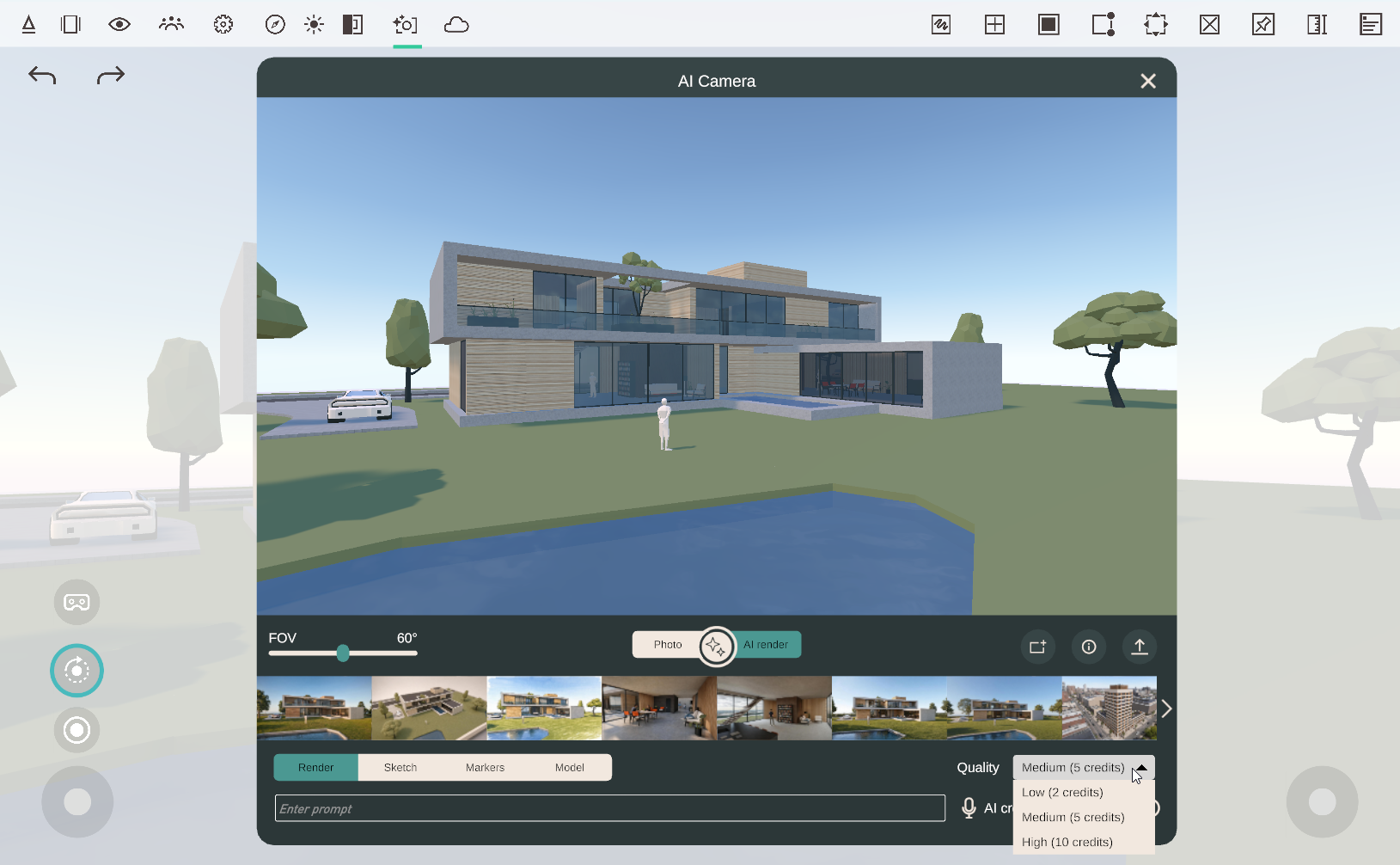
Quality Settings
New quality options give you greater control over rendering speed and image quality:
Low
Medium
High
Choose the setting that best matches your workflow, from rapid concept exploration to higher-quality presentations. Selecting a higher-quality rendering will consume more AI credits (see cost in dropdown) and may take longer to complete.
New Features
Revit 2027 Support
Arkio now supports Revit 2027. The updated Arkio Revit plugin supports movable objects, allowing you to continue using the latest Revit release with your existing Arkio workflows.
Support for More Than 1,000 Movable Objects
The Rhino, Revit, and SketchUp plugins can now export more than 1,000 movable objects, enabling significantly larger collections of movable objects on high-performance devices such as PCs.
For the best experience on mobile and standalone VR devices, including Meta Quest, we recommend keeping projects below 1,000 movable objects.
To validate performance across devices, you can share models via Arkio meetings or synchronize imports through Arkio Cloud, then test them on your target hardware.
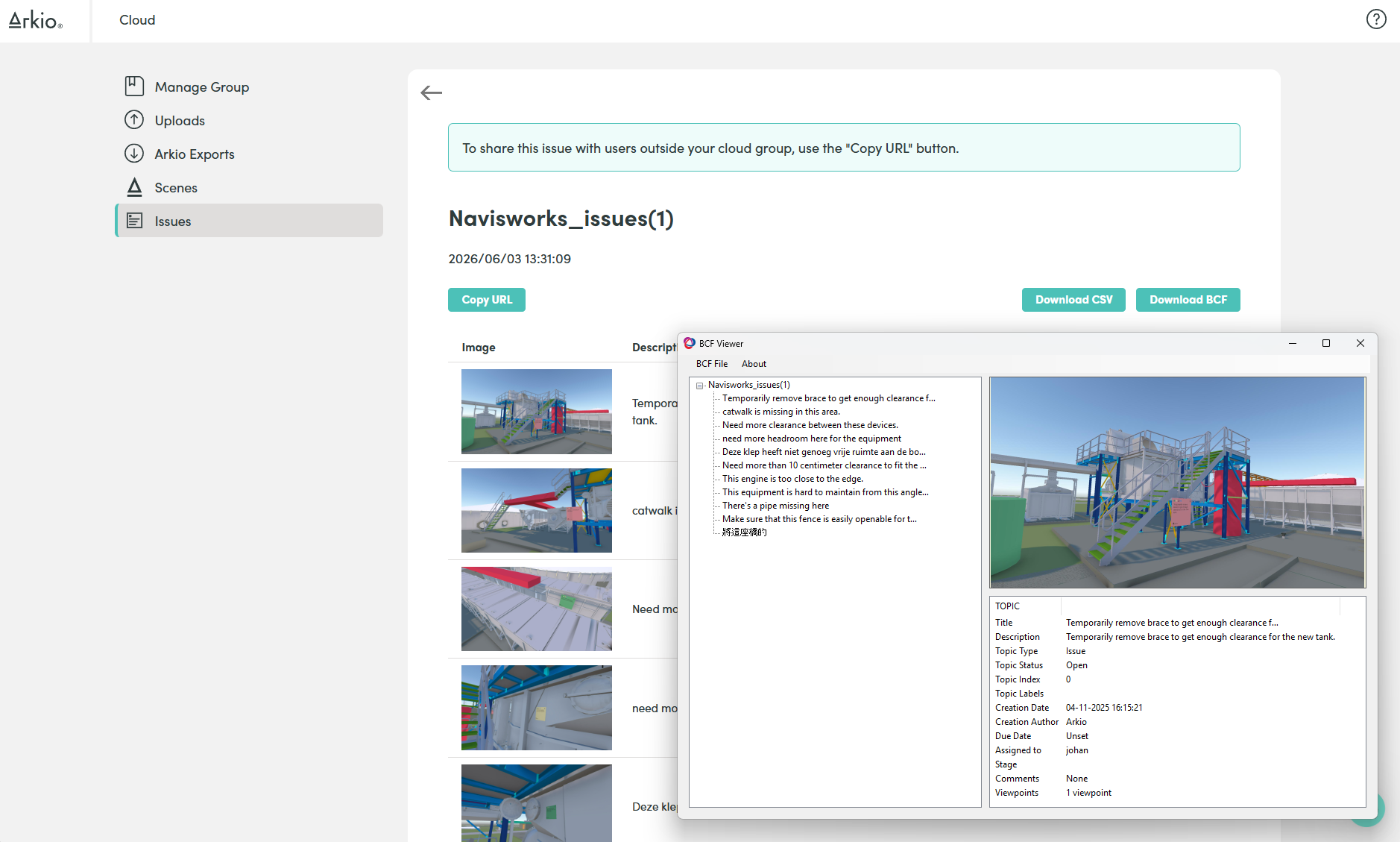
Export Sticky Notes as BCF and CSV Issues
Sticky notes can now be exported as BCF and CSV issues, making it easier to integrate design feedback and coordination workflows with external BIM and project management tools.
Workflow Improvements
Improved Desktop Navigation
Desktop navigation has been refined to provide a smoother experience when reviewing and presenting projects, including improvements to:
Zooming
Teleporting
Orbiting
Looking around
Passthrough Geometry Cages
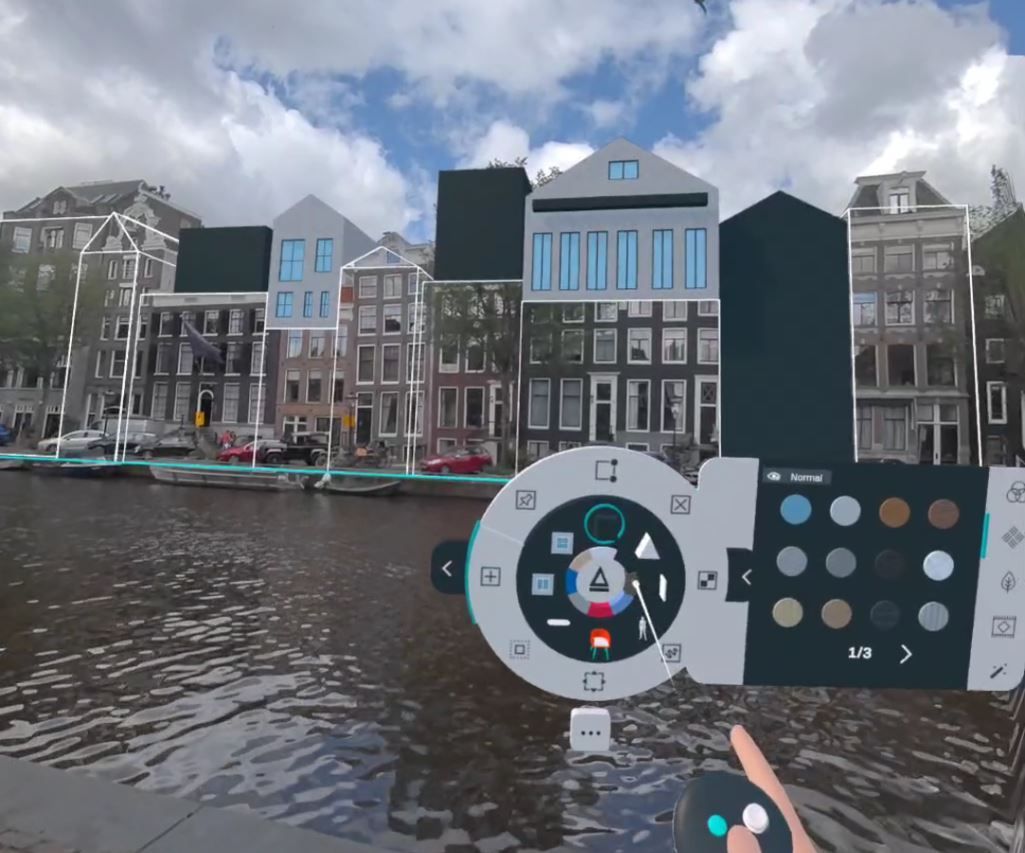
Geometry cages are once again visible for passthrough-painted primitive shapes in passthrough mode, improving alignment when overtracing existing geometry.
Fixes
Fixed an issue that could cause primitive shapes to disappear after certain modeling operations or at specific viewing distances.
Fixed Revit north rotation issues affecting bi-directional workflows.
Fixed layer and pinning issues for some Rhino models containing movable objects.
Improved reliability across various import and export workflows.
As always, thank you for your feedback and support. We look forward to hearing what you build with Arkio 2.2.1.