August 20th, 2026
Major updates

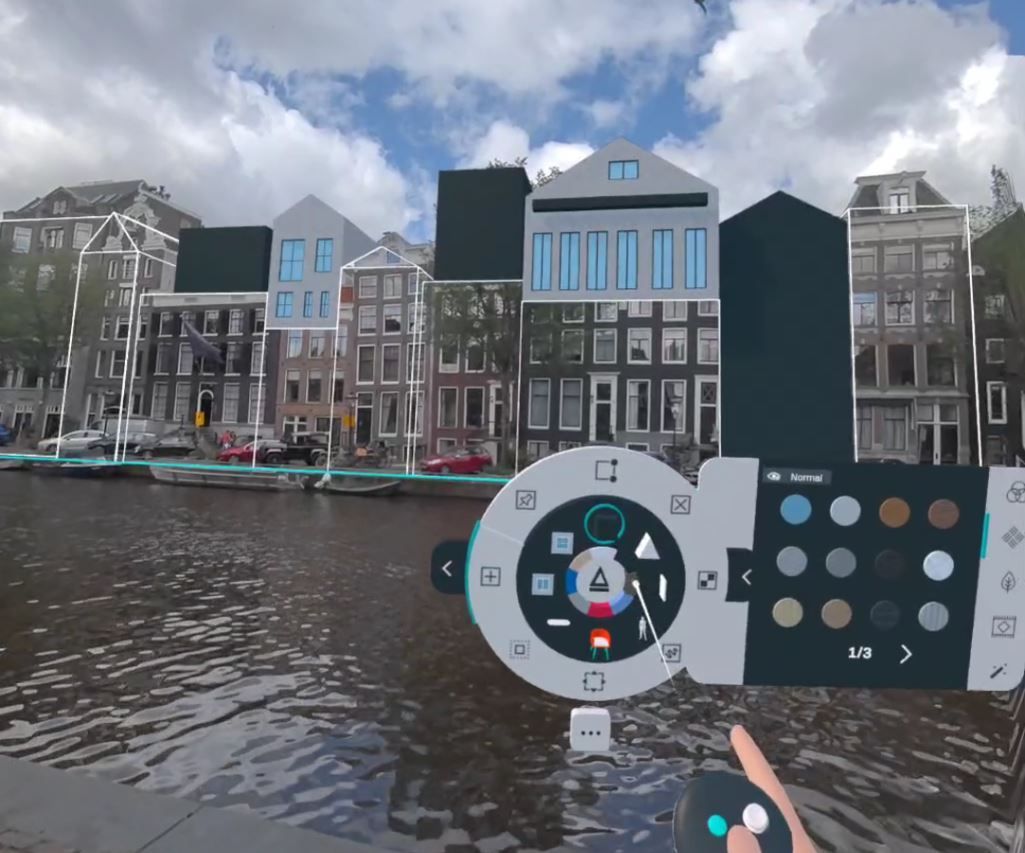
Arkio 2.3 brings major improvements to visual quality, mobile AR, and import workflows. Experience more realistic imported materials with PBR support, position and explore your designs more naturally in AR, and work more smoothly with movable elements, improved navigation, and better performance across all Arkio-supported devices.
Arkio now supports Physically Based Rendering (PBR) materials for imported models, bringing richer, more realistic materials to your designs and improving their overall visual quality—even on mobile devices like Meta Quest 3.
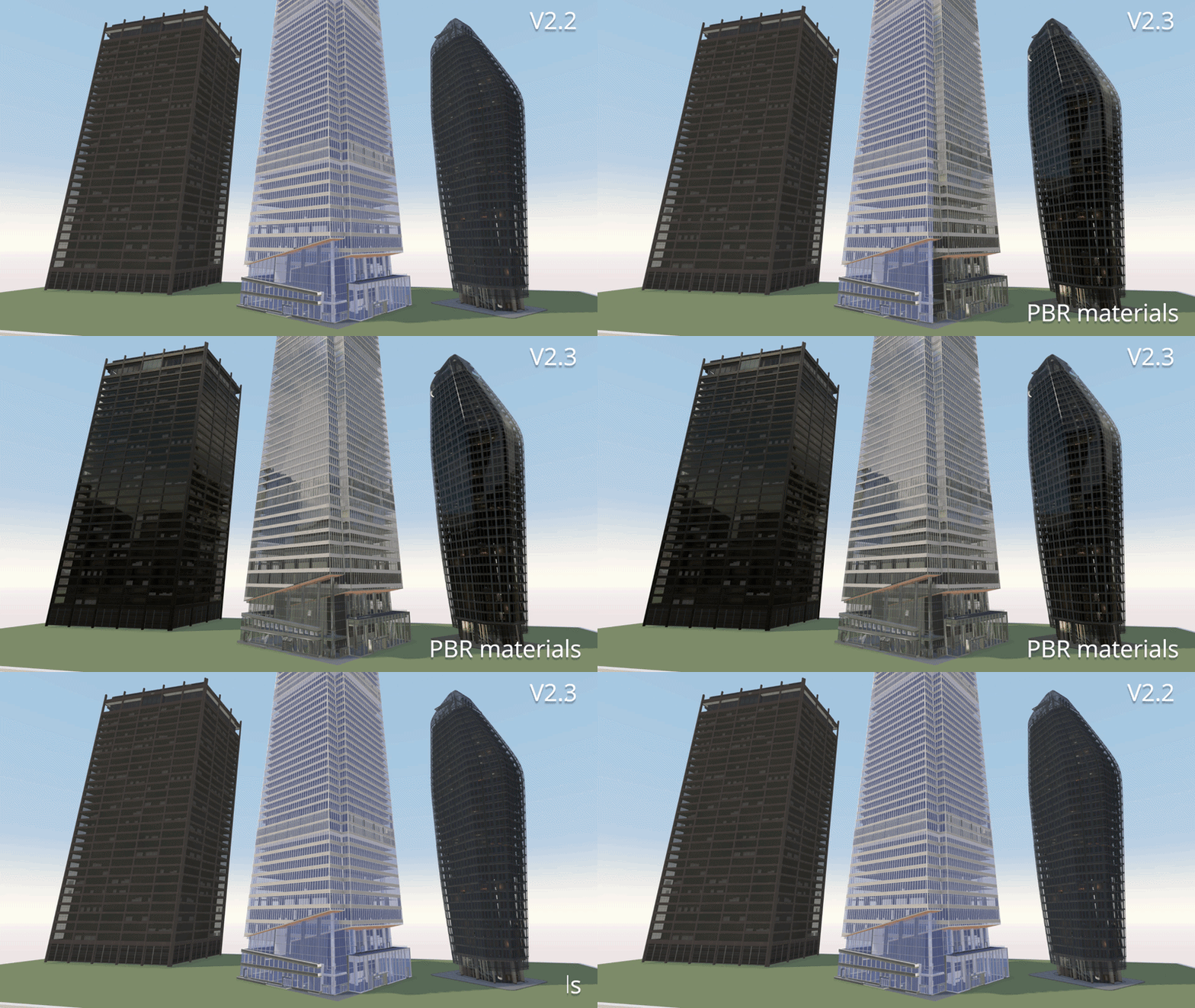
PBR material properties are now exported from our plugins for Revit, Rhino, SketchUp, and Archicad. The available properties depend on your software's capabilities, so refer to your tool’s documentation for details on configuring PBR materials.
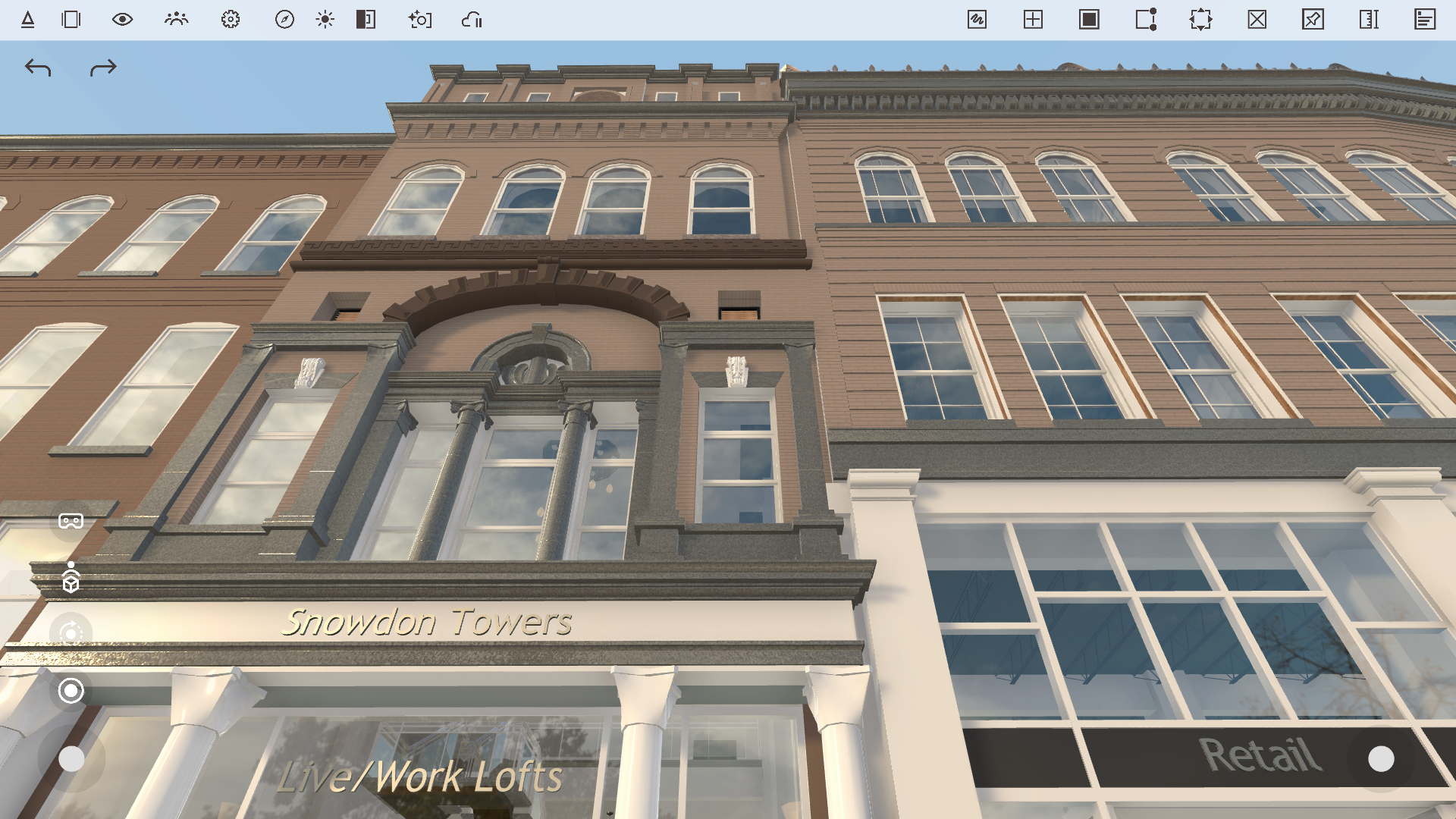
Arkio supports material properties such as reflections, roughness, metallic surfaces, and normal maps. You can also load glTF files with advanced PBR properties, including custom reflection and metallic maps and emissive materials, to bring highly realistic models into Arkio.
You can explore examples of these materials in our updated Arkio sample scenes.
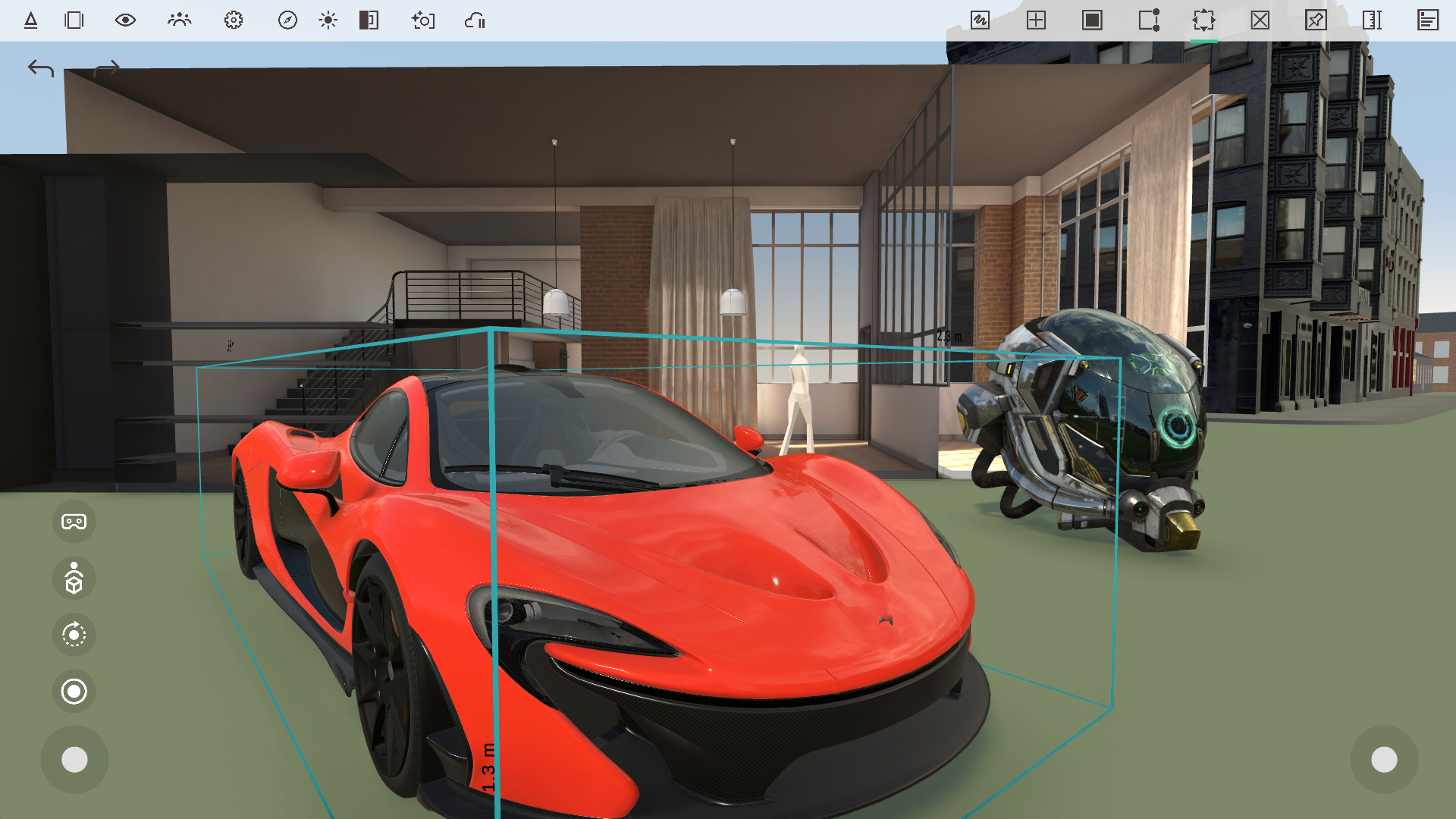
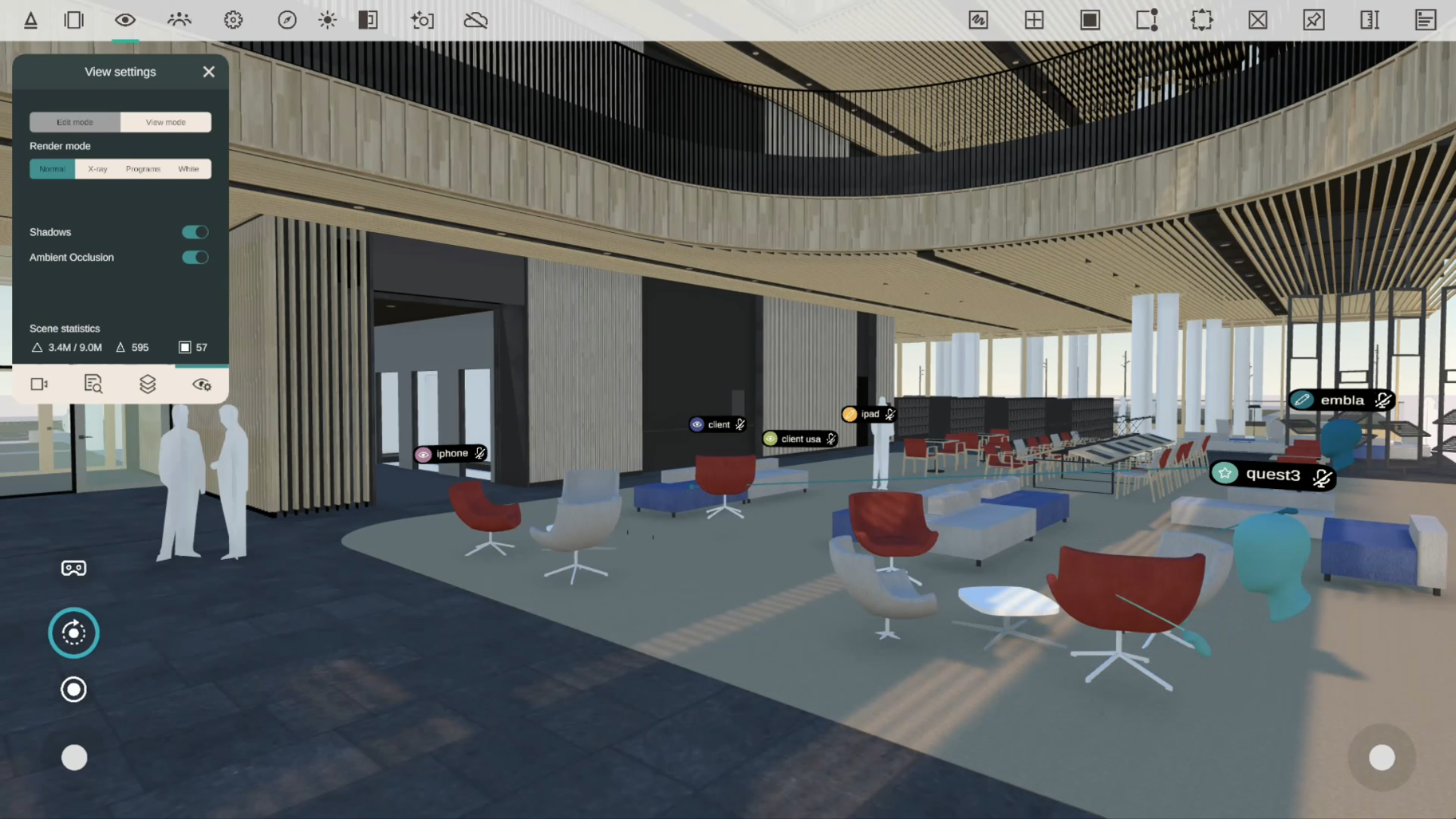
If you prefer Arkio’s previous flat rendering style or want to improve performance for large imported scenes, you can disable PBR materials in View Settings. This toggle also makes it easy to compare your models using the previous and new material systems.
New reflection settings in the View Settings panel give you more control over the appearance of glass and other reflective materials, such as metals and polished surfaces.
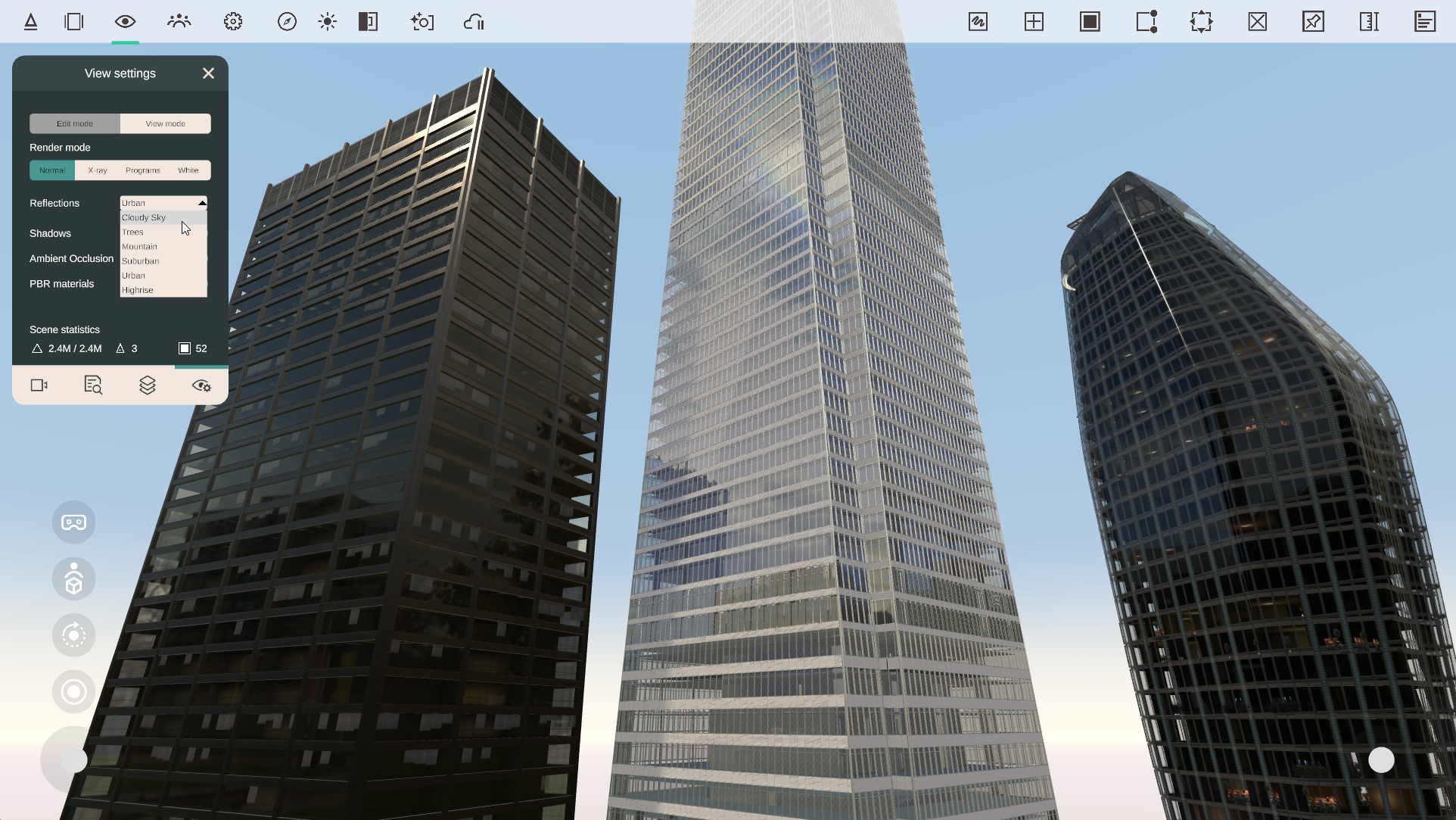
Choose from several reflection environments:
Cloudy Sky – blue sky with clouds
Trees – green field surrounded by trees
Mountain – distant mountain landscape
Suburban – residential gardens and surroundings
Urban – urban square with distant towers
Highrise – street surrounded by high-rise buildings
Changing the reflection environment affects reflective PBR materials throughout your scene. Your selection is saved with the Arkio scene, together with your sun and location settings.
Mobile AR has received a major update, making it easier to position, align, and explore your Arkio models in the real world without needing a VR headset. Using a tablet or smartphone, anyone can experience models at full scale simply by walking around with their mobile device.
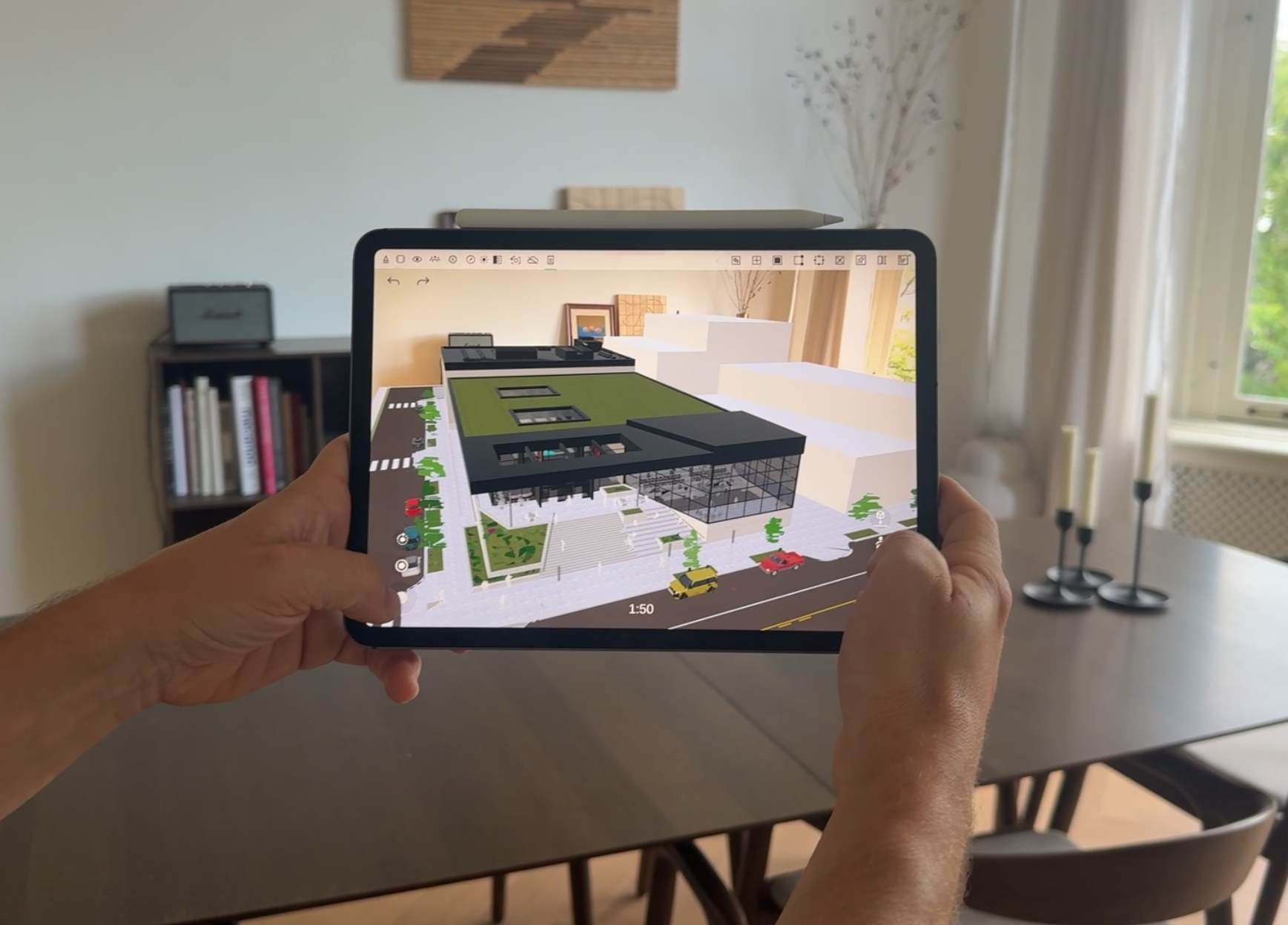
You can now teleport into your model in AR and explore designs at human scale, making it easier to experience spaces at their true size and in their real-world context.
When you lock a model at 1:1 scale, Arkio creates a teleport marker at that location. You can use this marker to quickly return to your previous locked position, similar to how locking and anchoring work in Arkio on mixed reality headsets.
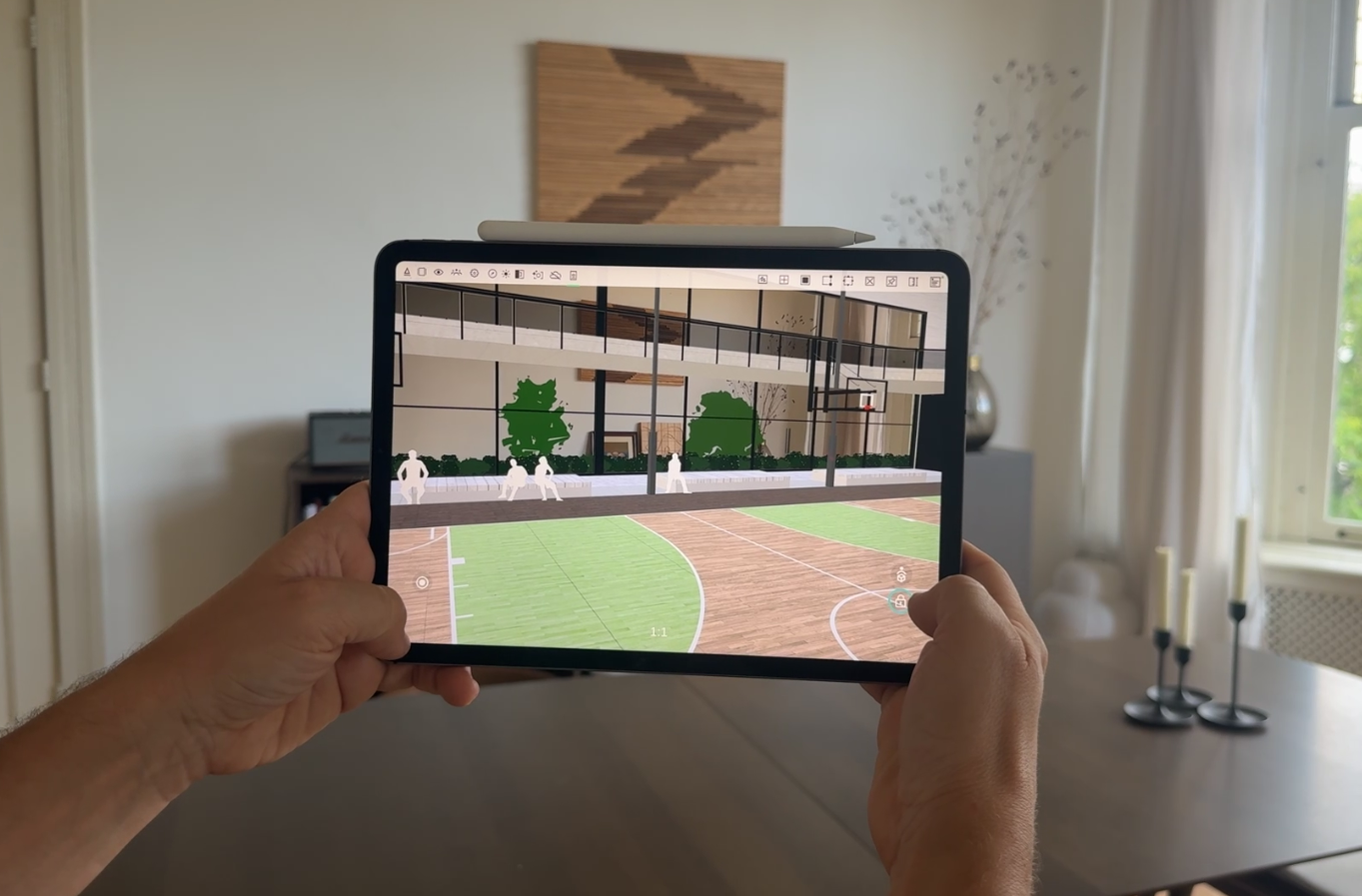
New AR placement controls give you more precise control over your model's position, scale, and orientation:
Select the plane where you want to place your Arkio scene
Place, recenter, and lock your model using the new controls
Adjust the horizontal position by swiping with two fingers or using the left thumbstick
Adjust the placement height using the right thumbstick
Scale the model by pinching with two fingers
Rotate the model using the orbit tool or by swiping outside the model
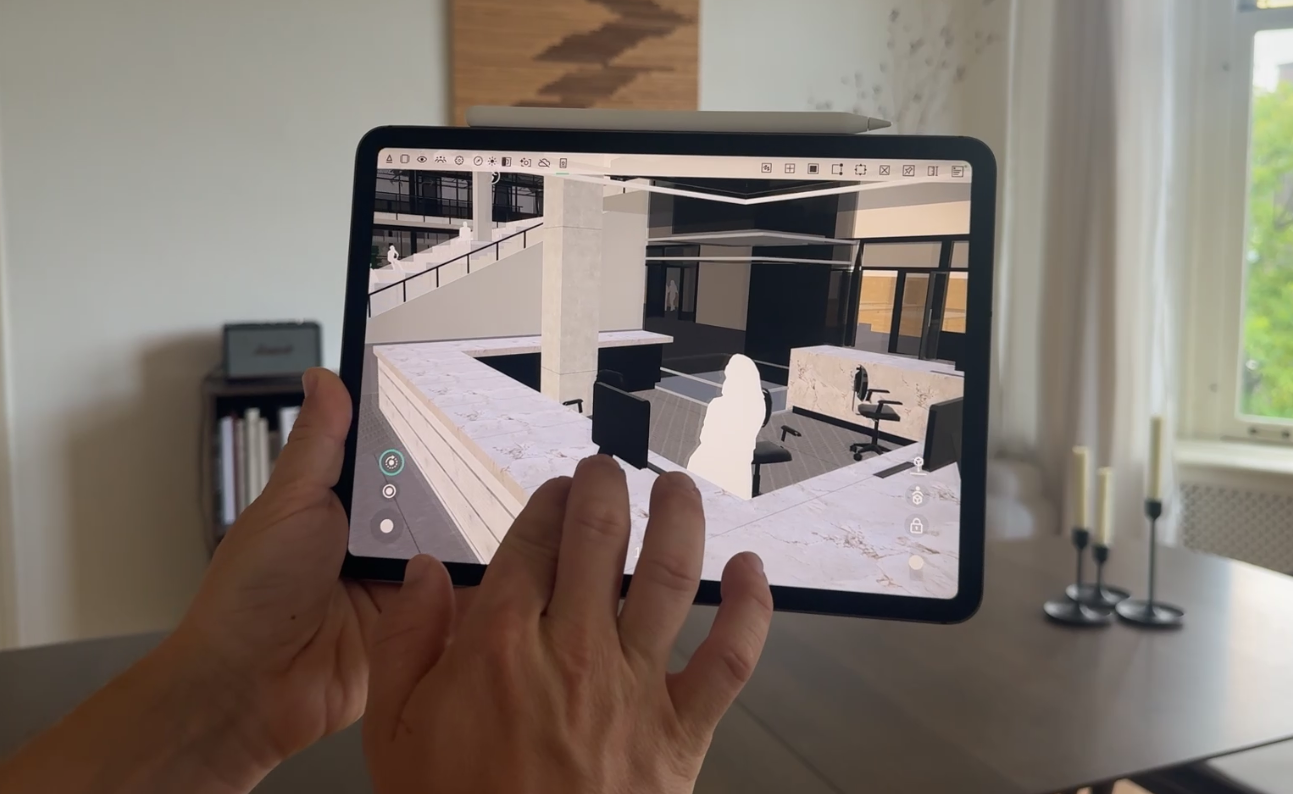
These navigation interactions are similar to Arkio in 3D mode. For the most accurate alignment at human scale, teleport to a location close to where you are standing in the real world using the Arkio map or other loaded 3D context references.
Once inside the 1:1-scale scene, you can fine-tune the model's position using the left thumbstick for horizontal adjustments and the right thumbstick for vertical adjustments. And use the orbit tool to rotate a corner of the building to a right angle.
When everything is aligned, lock the model in place. You can return to the scale model at any time using the new view reset button, then use your teleport markers to jump back to previously locked 1:1 positions.
Your AR placement plane and locked position now persist when switching between AR and 3D on mobile devices. This means you can move between tools and view modes without losing your original AR placement.
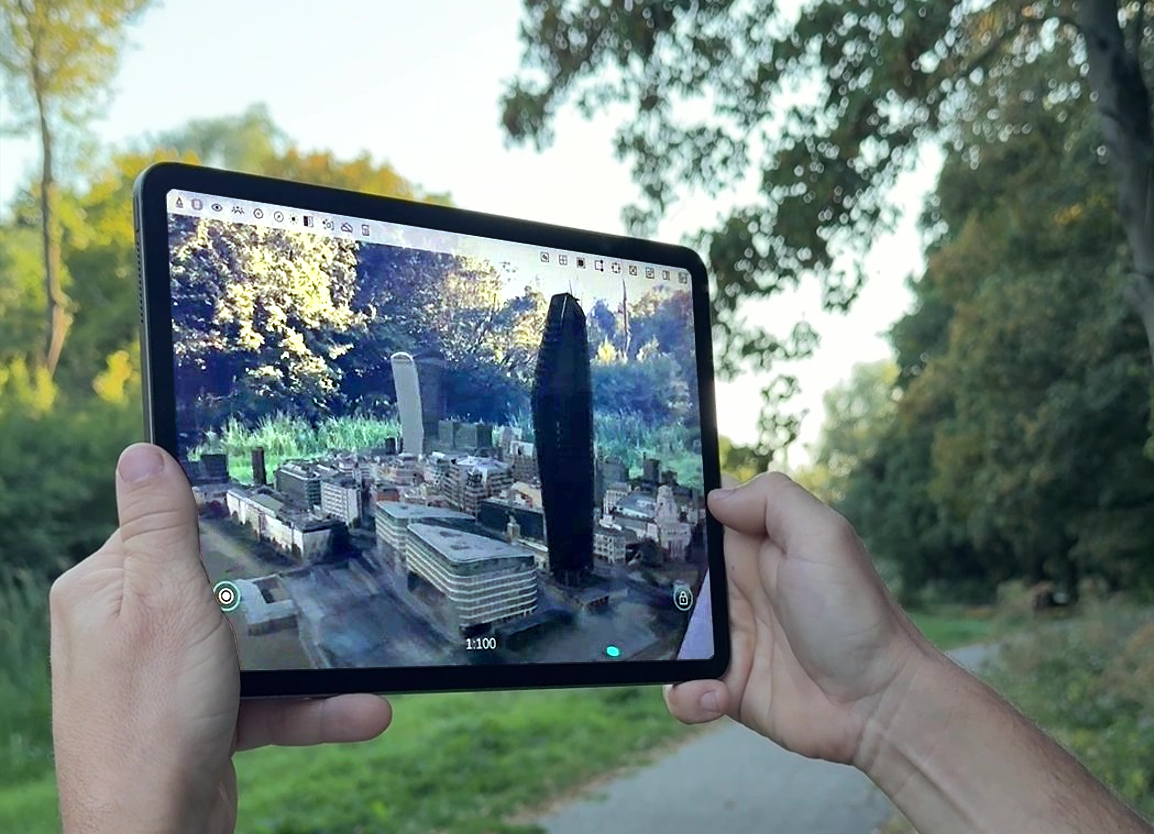
Arkio will also maintain your model alignment when your device enters standby or when you switch between apps, allowing you to resume where you left off or pass the device to others to explore the model at scale or 1:1.
Movable elements and props can now collide with imported mesh surfaces, making it easier to place and align objects directly on imported geometry such as floors, walls, tables, and shelves from your other 3D modeling tools.
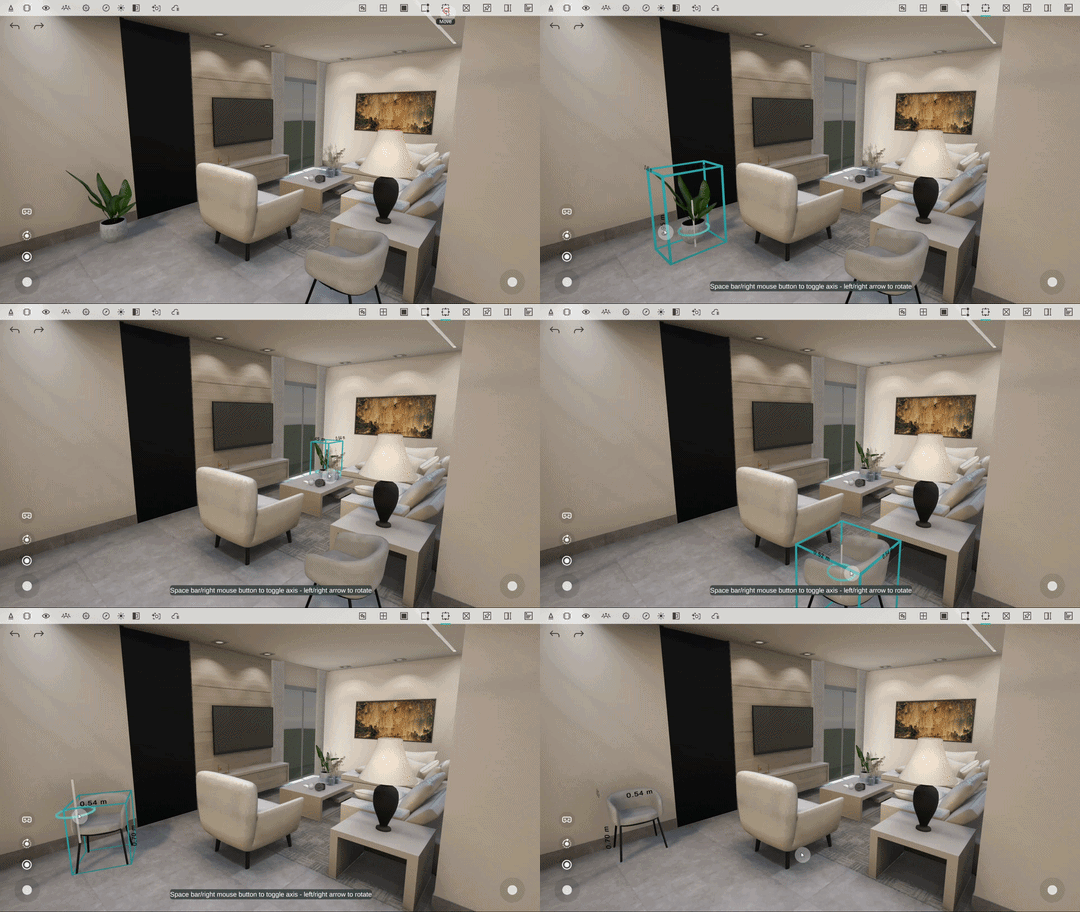
This makes movable objects imported into Arkio behave more like Arkio’s native solid geometry. They can be picked up, aligned, and placed against other geometry using the Move tool or simply grabbed with your hands or controllers in VR.
Editing imported buildings with movable elements now feels more natural, as objects can glide along imported floors and walls and snap into place against surrounding geometry.
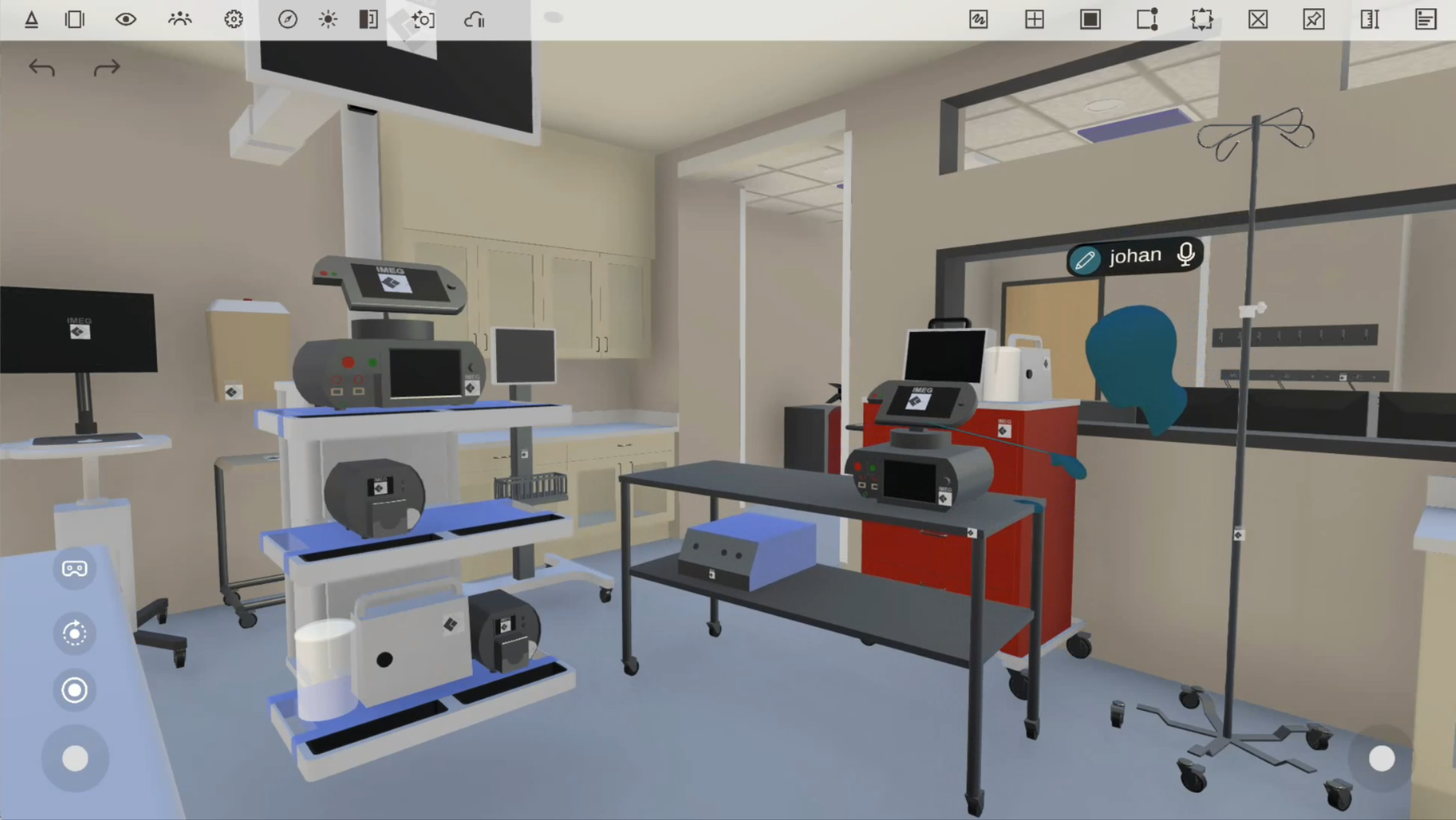
In VR, you can temporarily disable mesh surface alignment by holding down the controller thumbstick to disable snapping while moving an object.
Our Archicad plugins now include additional export options:
Automatic model placement
Selecting elements to import as movable objects
Archicad 29 plugin support on Mac
PBR material export to Arkio
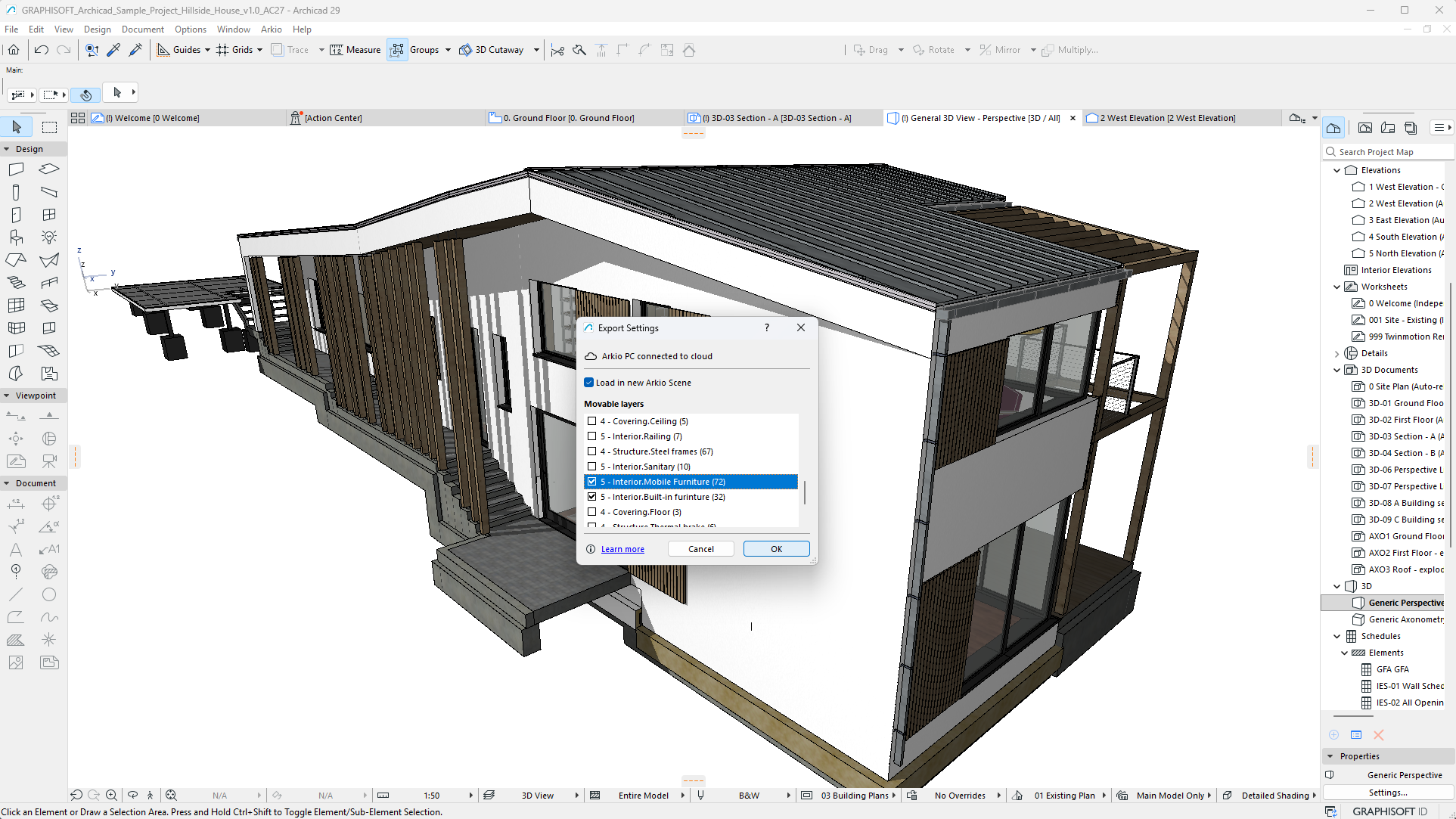
These improvements bring the Archicad export workflow in line with our Revit, Rhino, and SketchUp plugins. With movable elements and PBR materials, more of your original Archicad model can now be brought into Arkio for interactive editing and realistic visualization across devices.
Imported geometry modeled below the origin will now automatically cut a hole in the Arkio table when the model is placed at the origin, revealing geometry that would otherwise be hidden below the table.
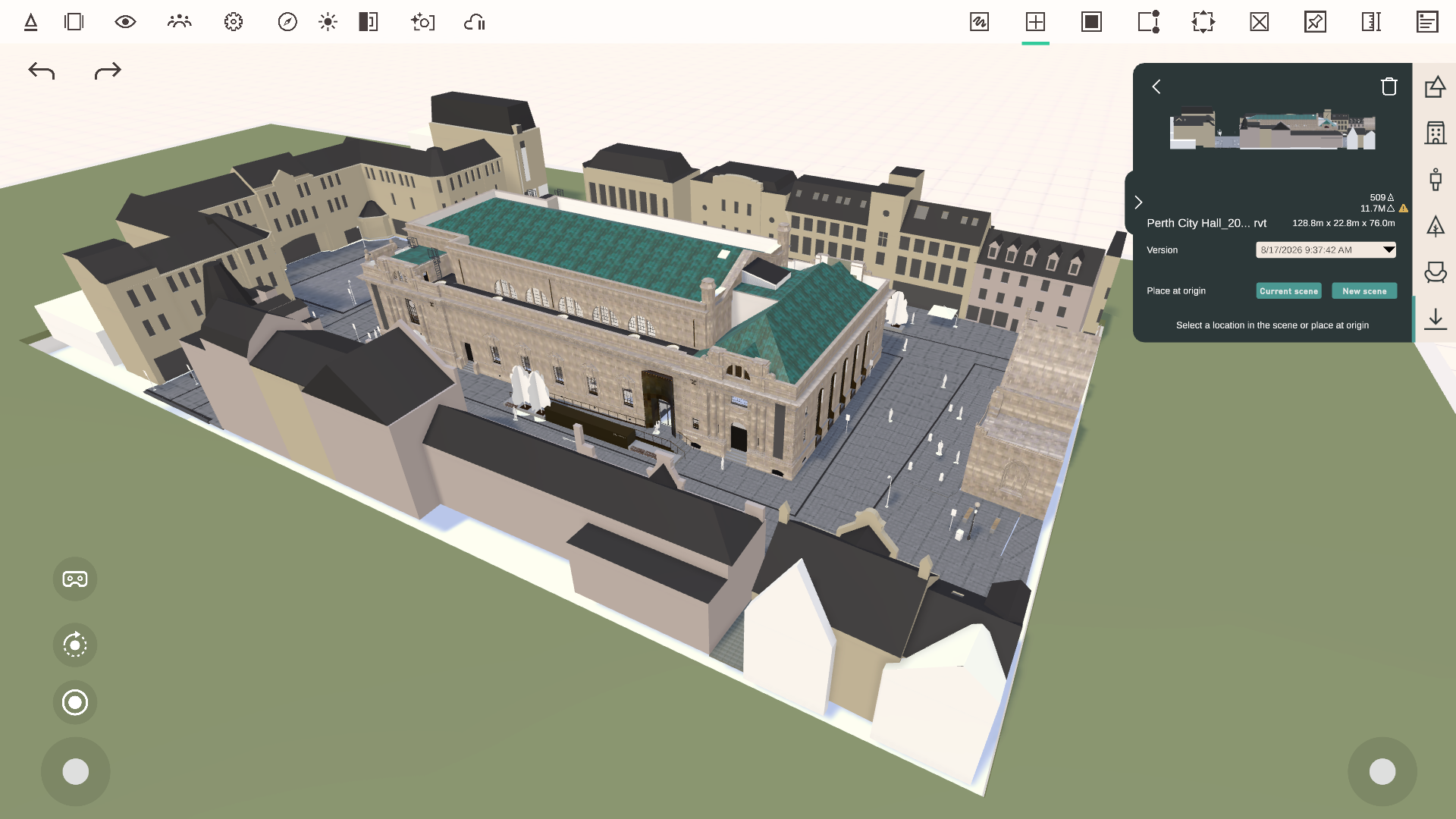
This makes it easier to work with underground structures and projects on sloping terrain while keeping models at their original coordinates for round trips between Arkio and supported design tools.
Navigation and editing in non-VR mode have been refined for smoother desktop and touchscreen workflows.
Smoother zooming
Improved panning
Improved orbiting
Improved Move tool interactions
View reset button in 3D and AR mode
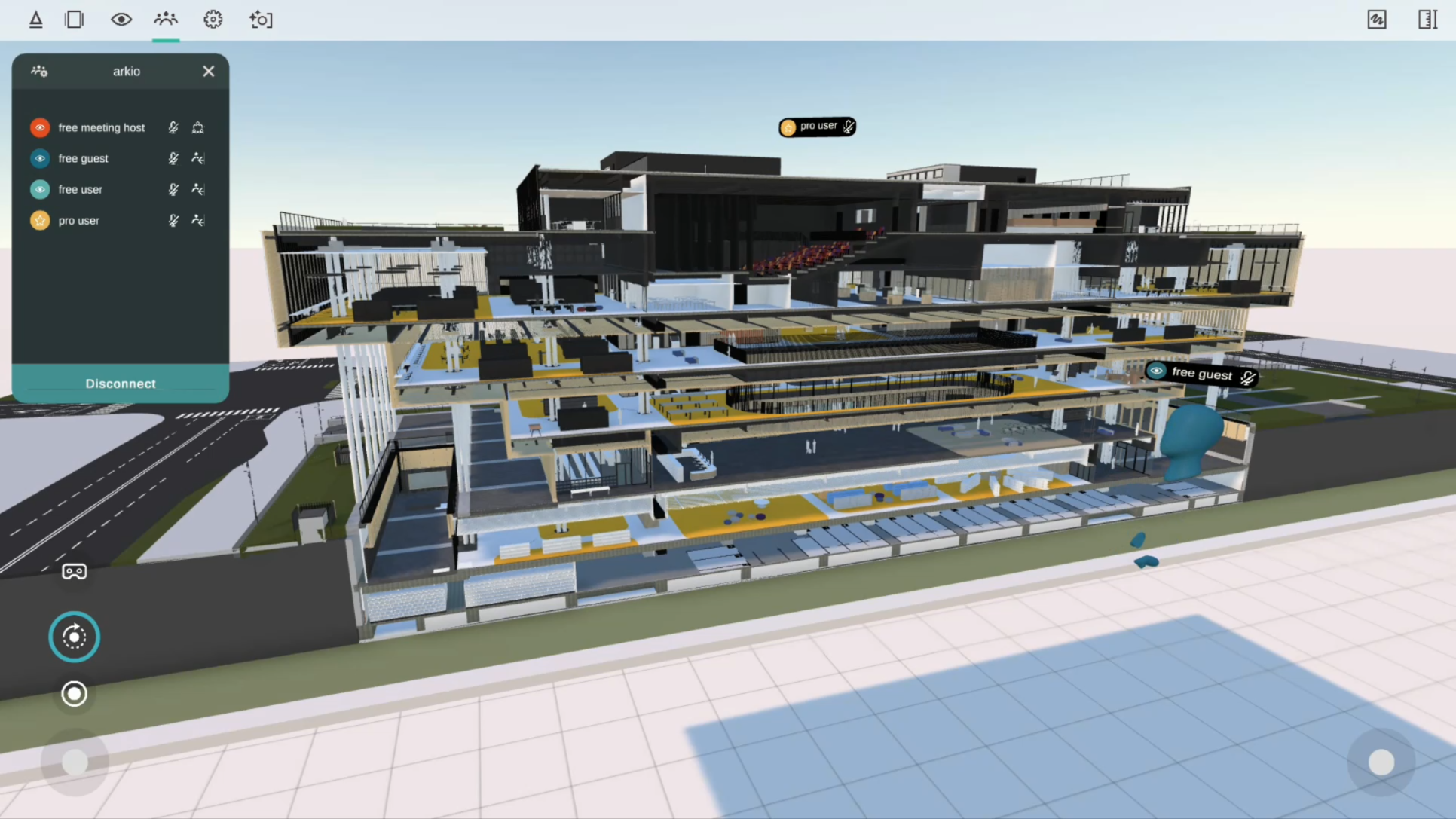
Some of our users reported issues with colocation since version 2.2; this release will address those issues across different workflows and tracking conditions. We’ve improved colocation stability after restarts, during recentering, and model-position updates, resulting in more stable alignments on all Meta Quest devices.
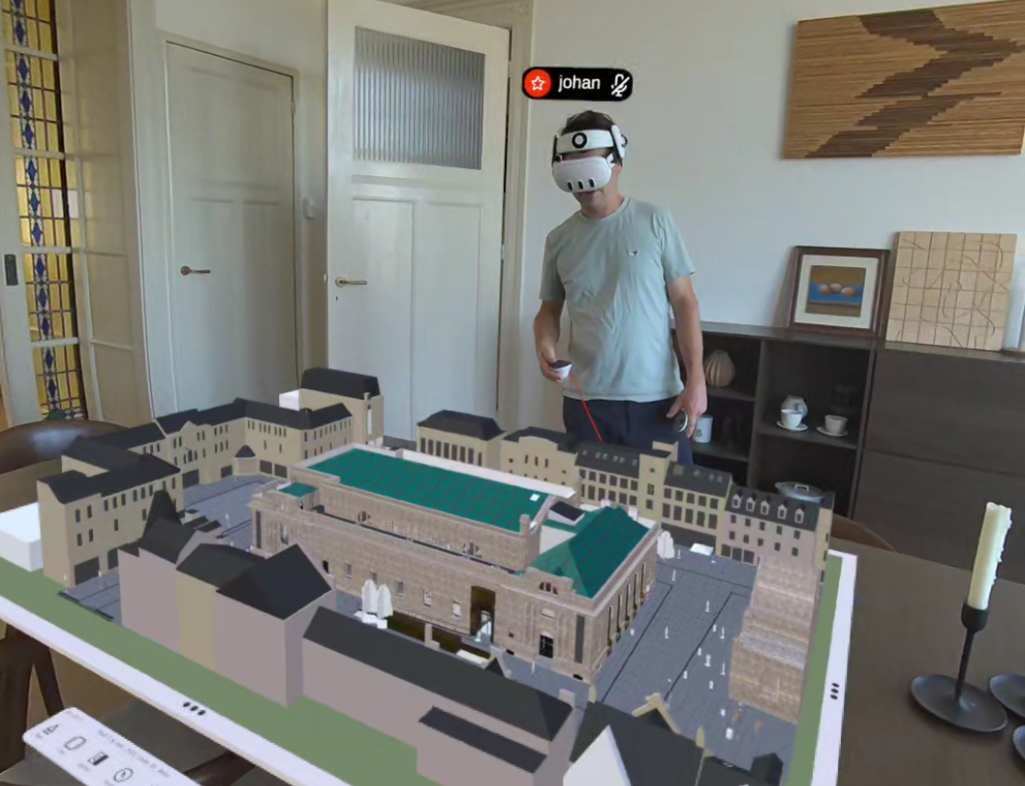
When users are co-located and the scene is locked, avatars are now hidden to create a cleaner mixed reality experience. Only each user’s nametag remains visible.
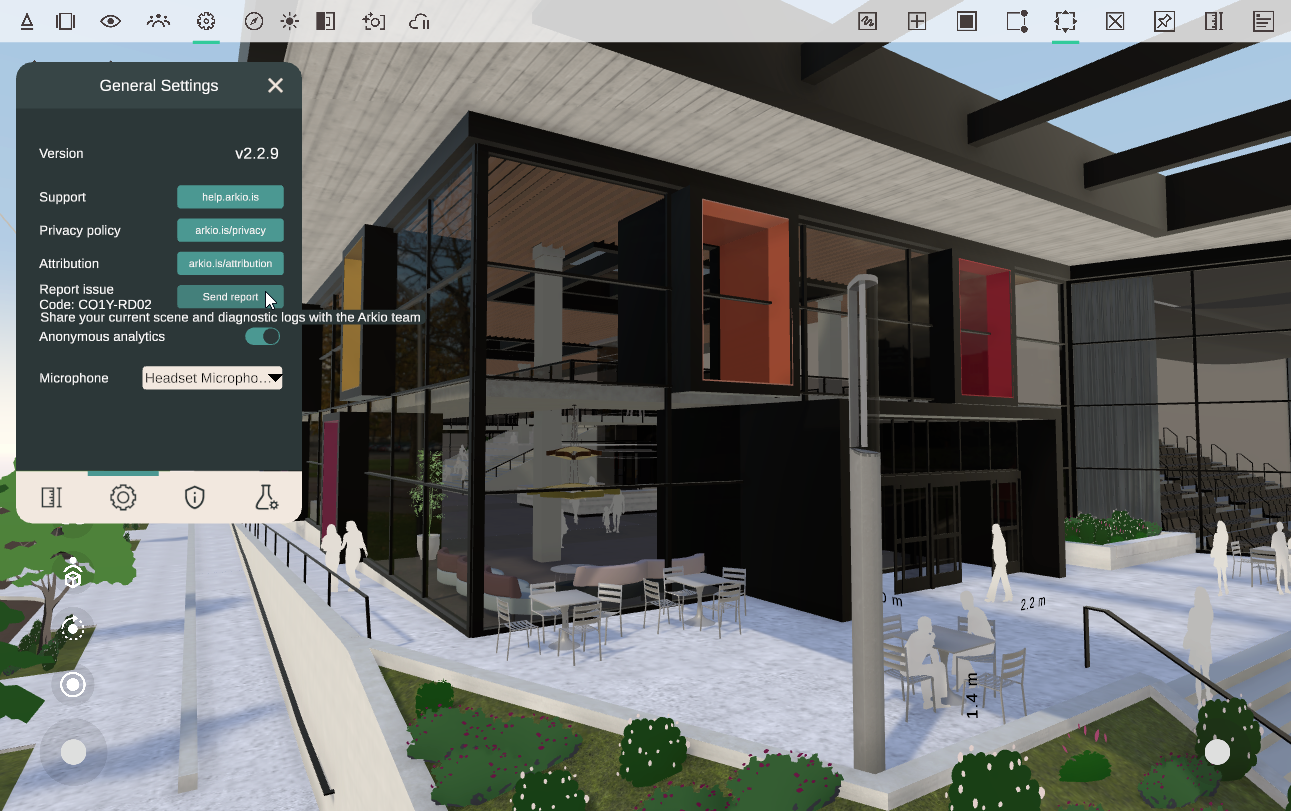
If you run into issues with Arkio, you can use the new report issue button in the settings panel to share logs and traces, giving the Arkio team more information to diagnose and resolve issues more effectively.
Alongside our new PBR materials, this release includes several visual and performance improvements across Arkio:
Increased rendering resolution on Quest 3 and Quest 3S
Improved close-up detail for large models
Improved sky rendering
Improved ambient occlusion
Improved rendering of reflective materials
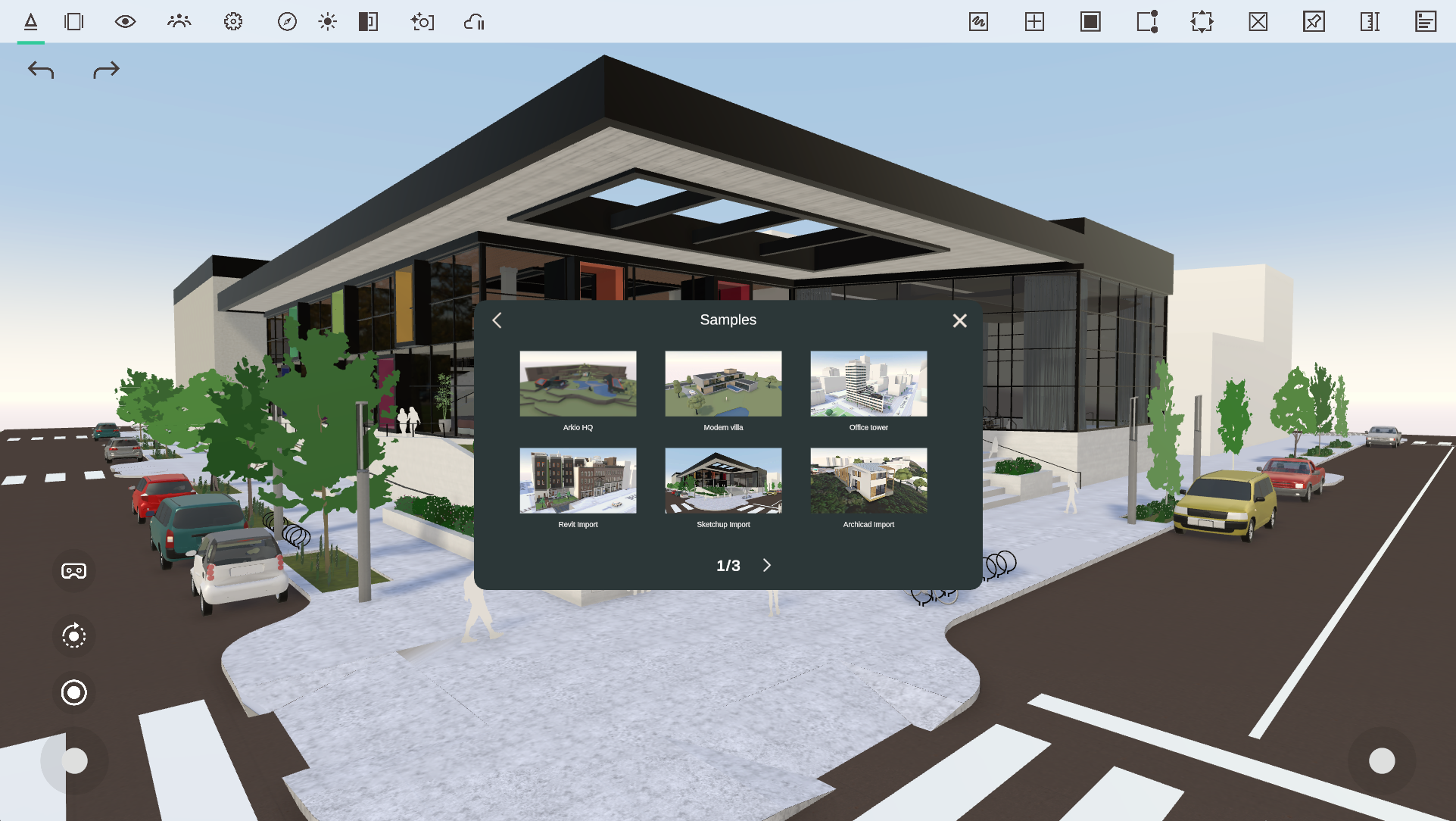
We’ve also included more sample scenes in the start panel showcasing the new PBR materials and movable-element workflows for Revit, SketchUp, and Archicad. These scenes make it easy to explore the latest improvements and see how realistic materials and movable elements can be used in your own Arkio projects.
Prevented the app from becoming unresponsive on poor network connections
Prevented performance issues on Quest caused by invalid spatial anchors
Fixed the white floor briefly appearing during VR startup
Fixed dual joystick navigation on touchscreen devices
AI render settings are disabled when there aren’t enough credits available
Limited plugin exports to a maximum of 3,000 movable elements to prevent performance issues
As always, thank you for your feedback and support. We look forward to seeing how you use these new AR, visualization, and interoperability improvements in Arkio 2.3.
June 5th, 2026
Minor updates

This release focuses on the AI Camera workflow, making it easier to generate high-quality results with less setup, while also delivering several workflow enhancements and interoperability fixes.
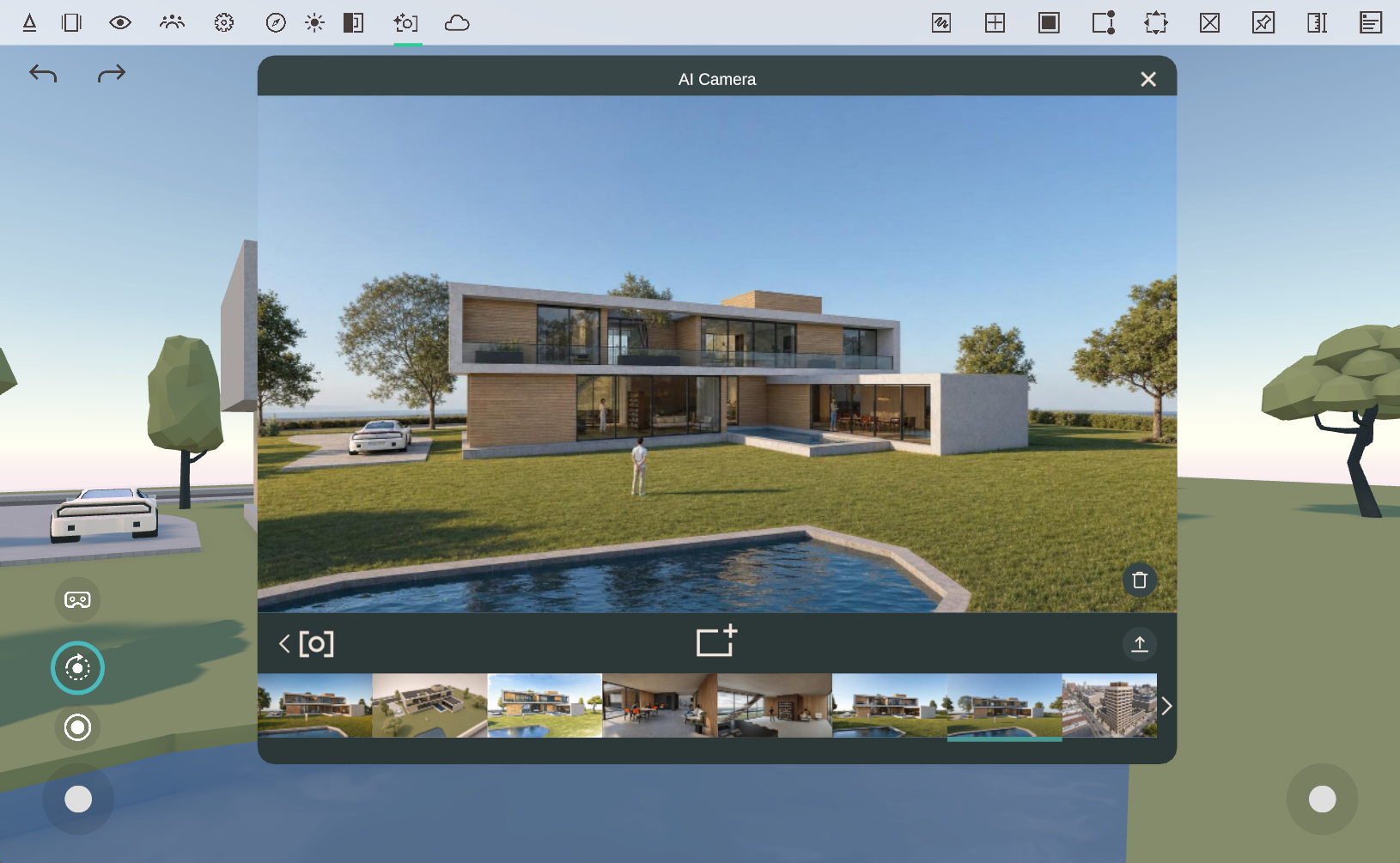
The AI Camera has received a significant update to improve both usability and output quality.
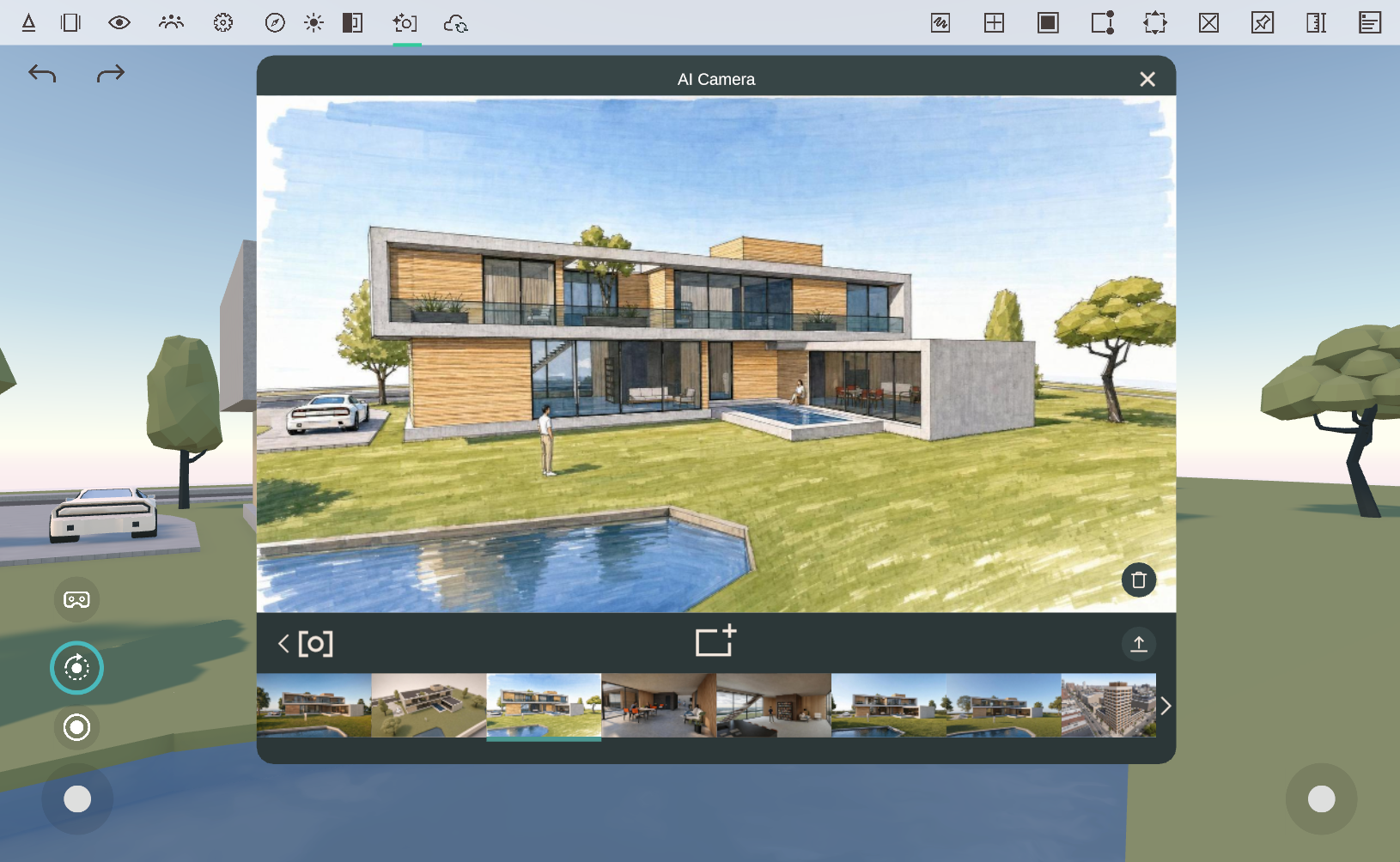
AI-generated renderings now deliver more accurate, visually consistent results, helping you quickly create compelling visualizations directly from your Arkio scenes.
The AI Camera now does a better job of understanding and following the original source image, resulting in outputs that more closely match your intended composition and design.

Less text is now required to achieve high-quality results, allowing you to iterate faster and spend less time crafting prompts.
You no longer need to specify whether a scene is Interior or Exterior. The AI Camera automatically determines the appropriate context, elements and materials used, simplifying the workflow.

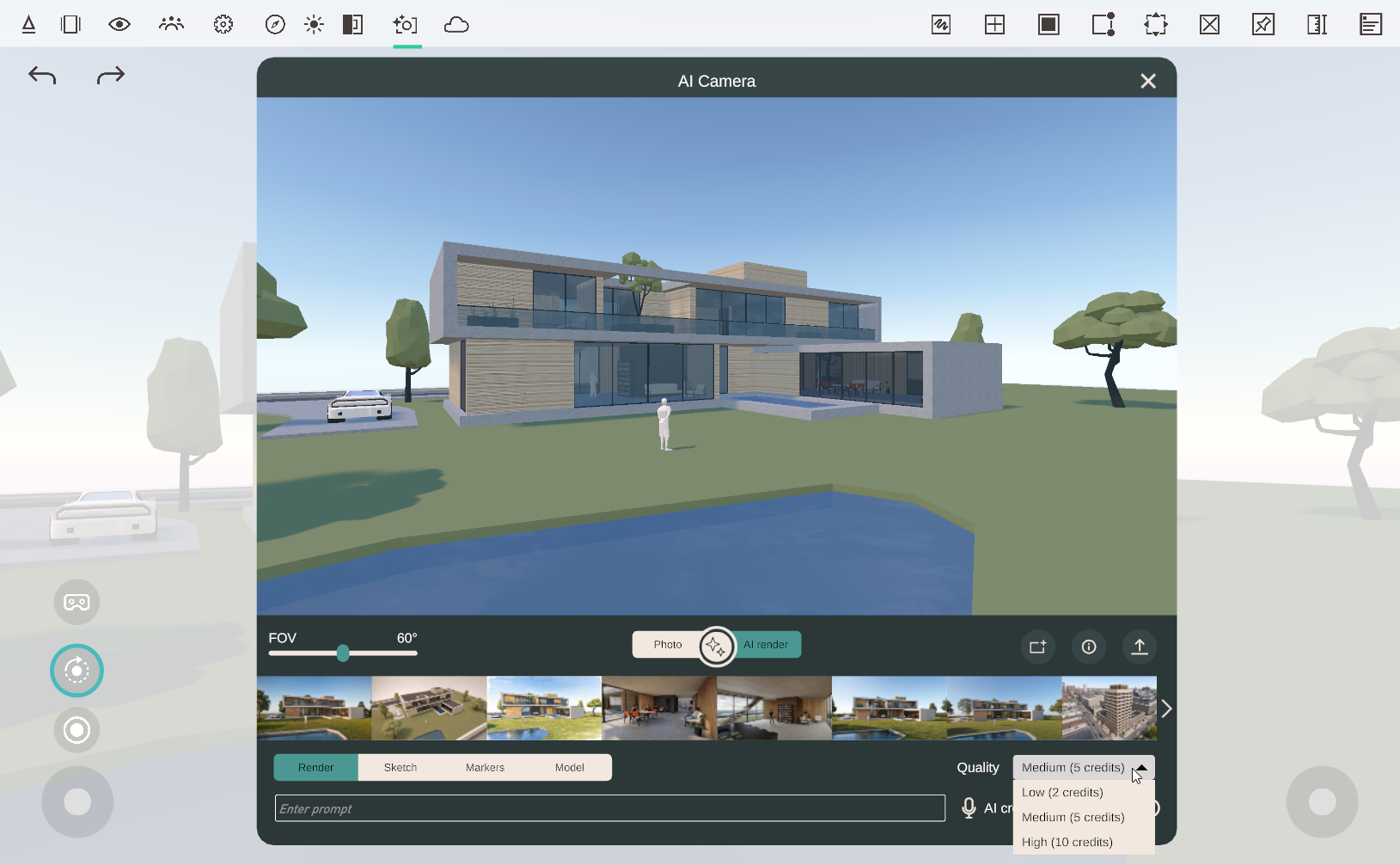
New quality options give you greater control over rendering speed and image quality:
Low
Medium
High
Choose the setting that best matches your workflow, from rapid concept exploration to higher-quality presentations. Selecting a higher-quality rendering will consume more AI credits (see cost in dropdown) and may take longer to complete.
Arkio now supports Revit 2027. The updated Arkio Revit plugin supports movable objects, allowing you to continue using the latest Revit release with your existing Arkio workflows.
The Rhino, Revit, and SketchUp plugins can now export more than 1,000 movable objects, enabling significantly larger collections of movable objects on high-performance devices such as PCs.
For the best experience on mobile and standalone VR devices, including Meta Quest, we recommend keeping projects below 1,000 movable objects.
To validate performance across devices, you can share models via Arkio meetings or synchronize imports through Arkio Cloud, then test them on your target hardware.
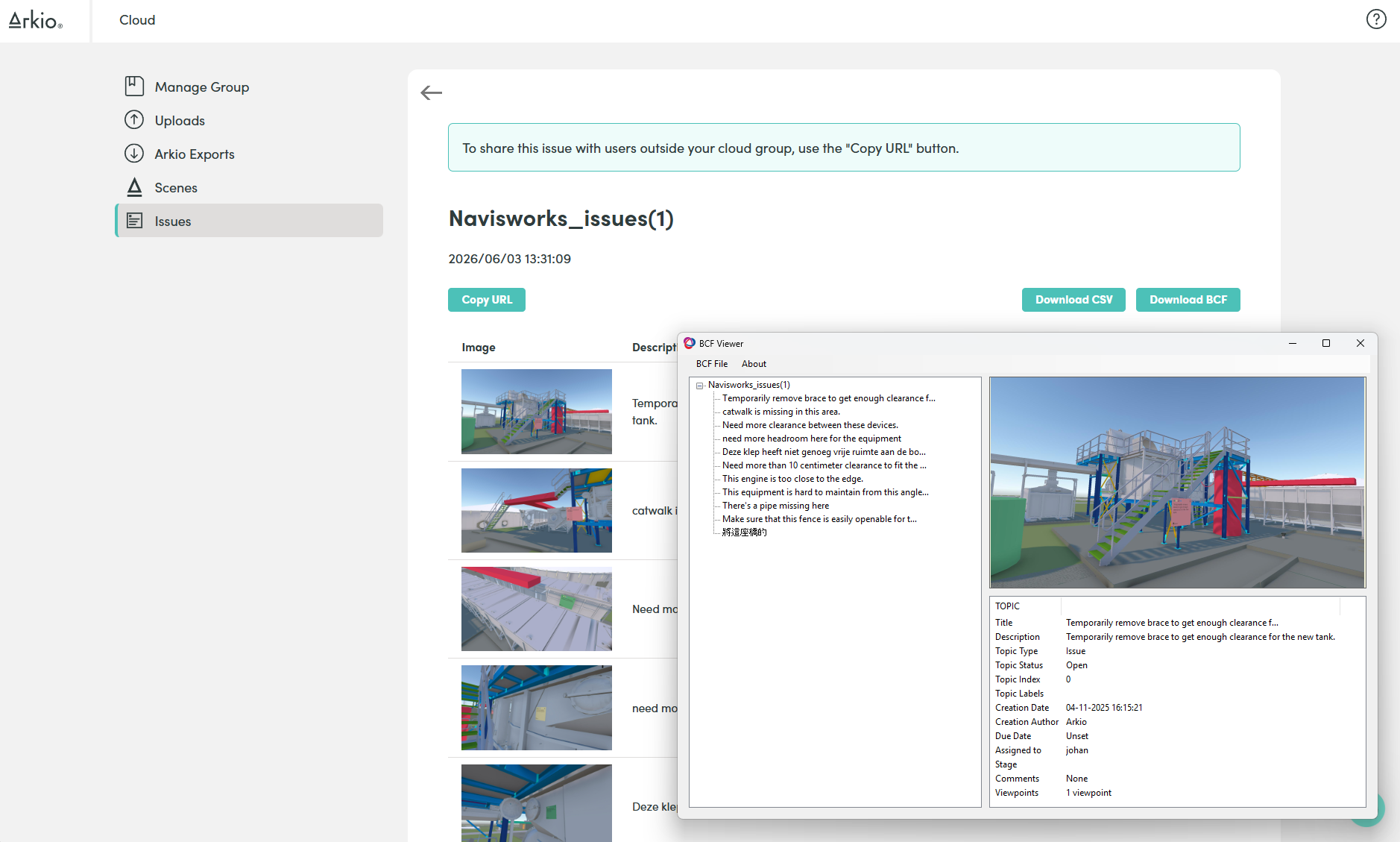
Sticky notes can now be exported as BCF and CSV issues, making it easier to integrate design feedback and coordination workflows with external BIM and project management tools.

Desktop navigation has been refined to provide a smoother experience when reviewing and presenting projects, including improvements to:
Zooming
Teleporting
Orbiting
Looking around
Geometry cages are once again visible for passthrough-painted primitive shapes in passthrough mode, improving alignment when overtracing existing geometry.

Fixed an issue that could cause primitive shapes to disappear after certain modeling operations or at specific viewing distances.
Fixed Revit north rotation issues affecting bi-directional workflows.
Fixed layer and pinning issues for some Rhino models containing movable objects.
Improved reliability across various import and export workflows.
As always, thank you for your feedback and support. We look forward to hearing what you build with Arkio 2.2.1.
May 5th, 2026
Major updates

Arkio 2.2 enhances Arkio’s bidirectional plugins and introduces movable objects, cloud and workflow enhancements. Check out the following video to see what’s new for this release.
Arkio 2.2 upgrades our plugin workflows for Revit, Rhino, and SketchUp, making our bidirectional plugins more powerful and automatically sharing your latest imports and exports between your devices using the Arkio cloud.
New plugin export panel:
Open exports directly in a new Arkio scene
Level of Detail dropdown for Revit and Rhino
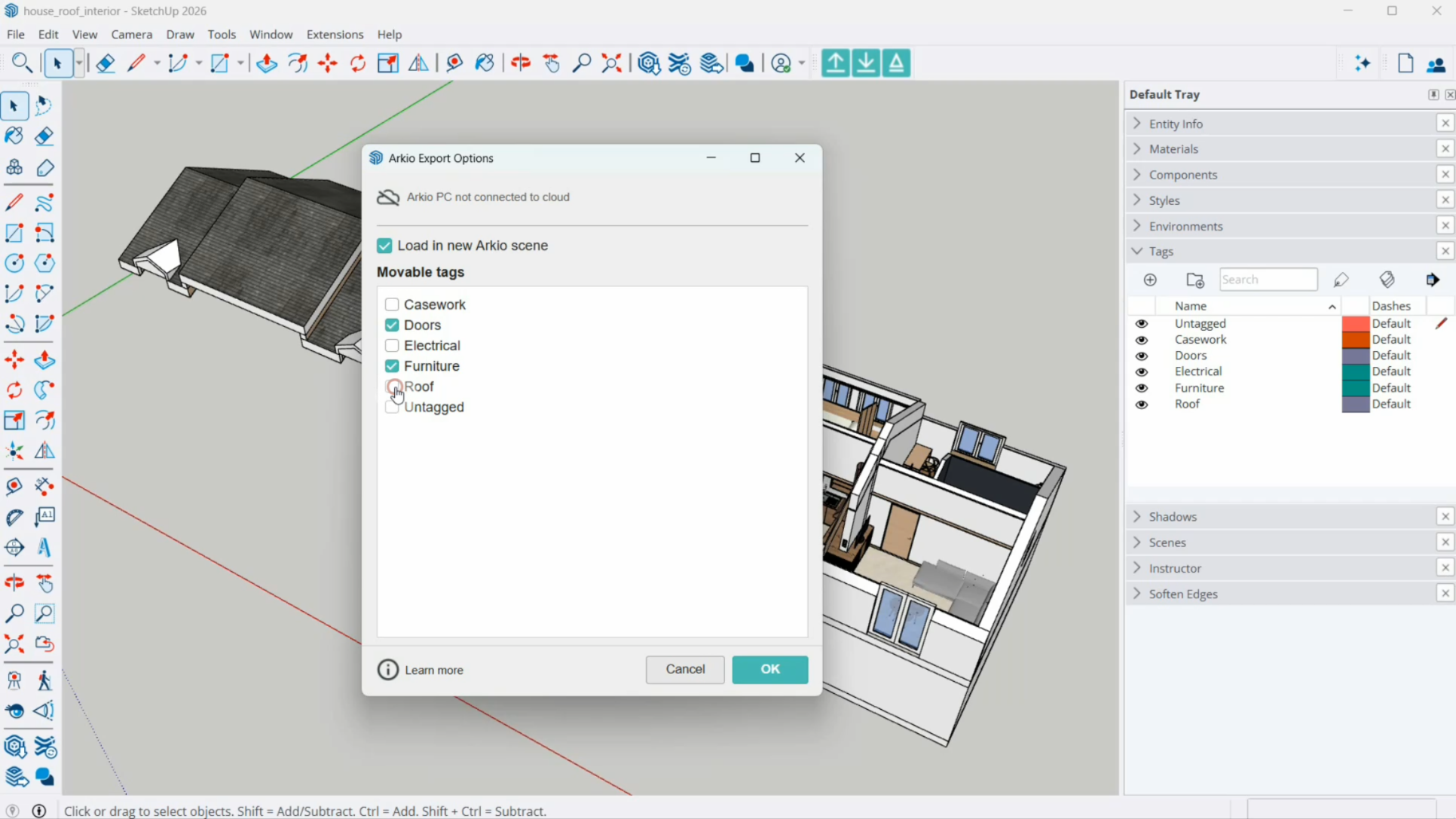
Select which objects should be imported as movable
status and progress bar
Plugins instantly open Arkio in a new scene on PC
Processes large files directly for other devices
Shows the Cloud device group link code
Access your large export directly on Quest or mobile
New Import panel:
Lists all recent exports
Automatic downloads of cloud exports on other devices
Material import settings
Previous Arkio import settings

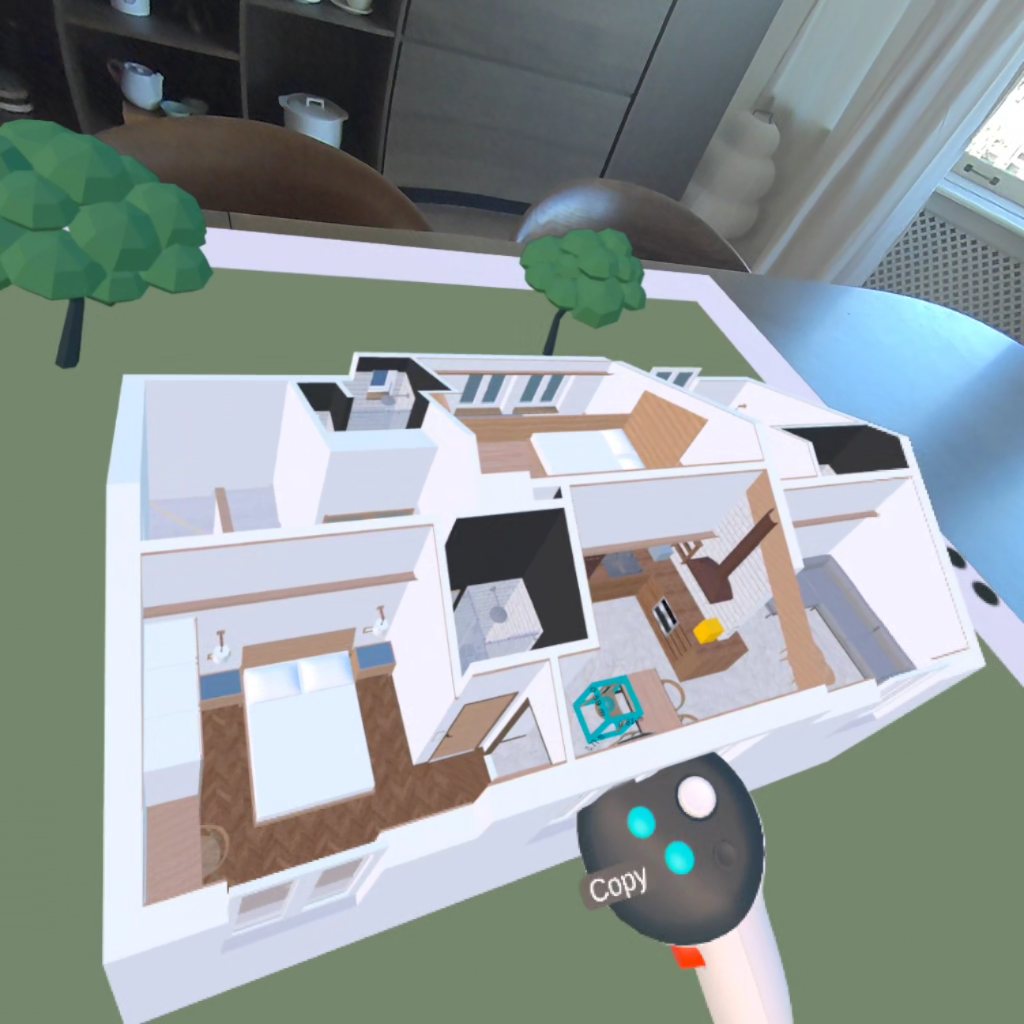
A key addition in Arkio 2.2 is support for movable objects imported from your existing design tools.
Select Categories for Revit families
Select Layers for Rhino Blocks
Select Tags for SketchUp Components and groups
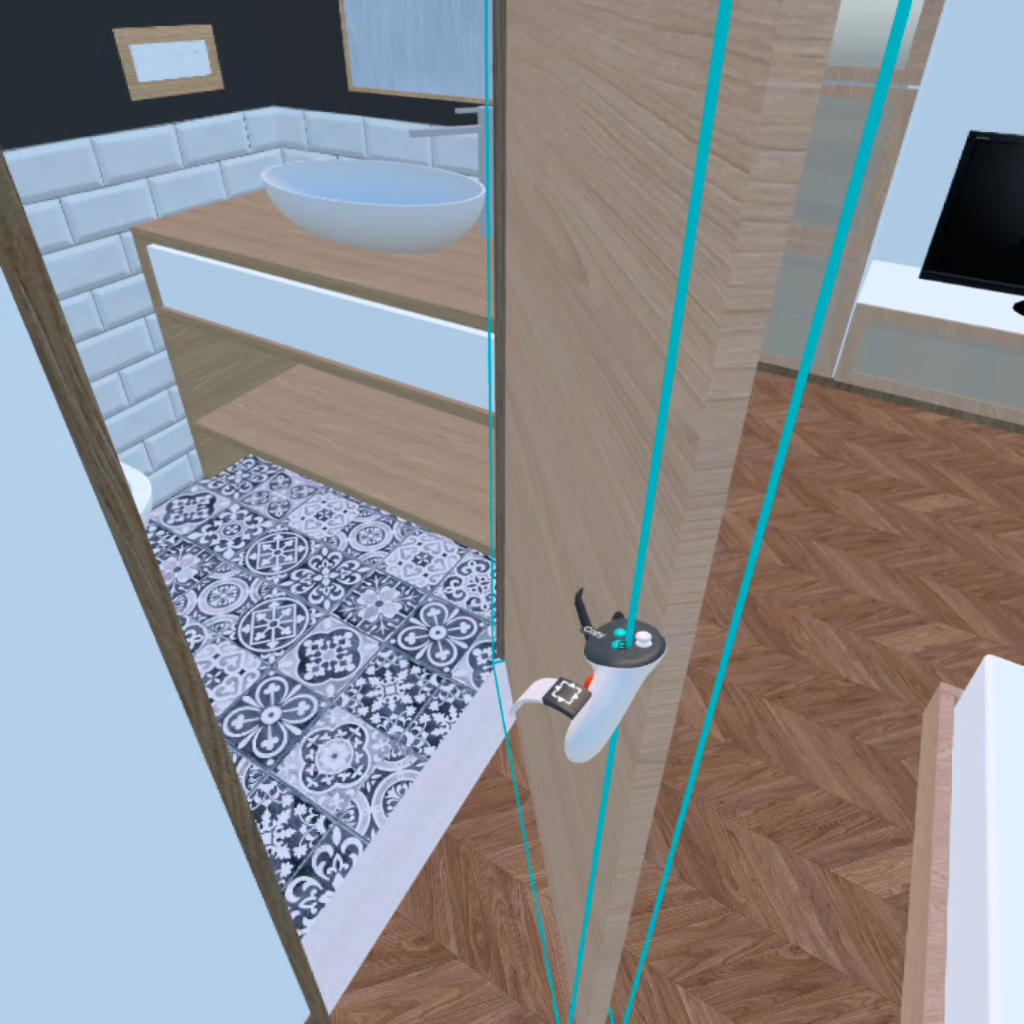
Imported as individual, editable objects
Full editing capabilities:
Move, duplicate, delete, edit, and paint
Real-time layout exploration at any scale
Testing design variations at human scale
Collaborative editing with full flexibility
All Arkio-created geometry is exported back in the same coordinates
Moved objects sync back to your original design tools
Supports cross-tool workflows
Movable Sketchup components can be converted to Revit families
Subscriptions have been streamlined to improve accessibility and clarity. Learn more about this in our updated pricing page.
1:1 meetings without a time limit
Support for large 3D models (OBJ, GLB)
Scenes from Pro/Enterprise hosts become view-only after meetings
Meetings with up to 6 participants
Access to bidirectional plugins
Support for layers and BIM data
Movable objects
Advanced features:
Sections
3D maps
Visibility modes
Includes AI credits
Meetings with up to 24 participants
Floating license
Advanced meeting controls
Temporary guest editors
Presentation mode

Support for up to 1,000 movable elements per project export
Updated HLOD system for components and props:
Handles larger imports more efficiently
Maintains smooth performance with hundreds of elements in a scene
Optimized for mobile VR devices, including Meta Quest headsets

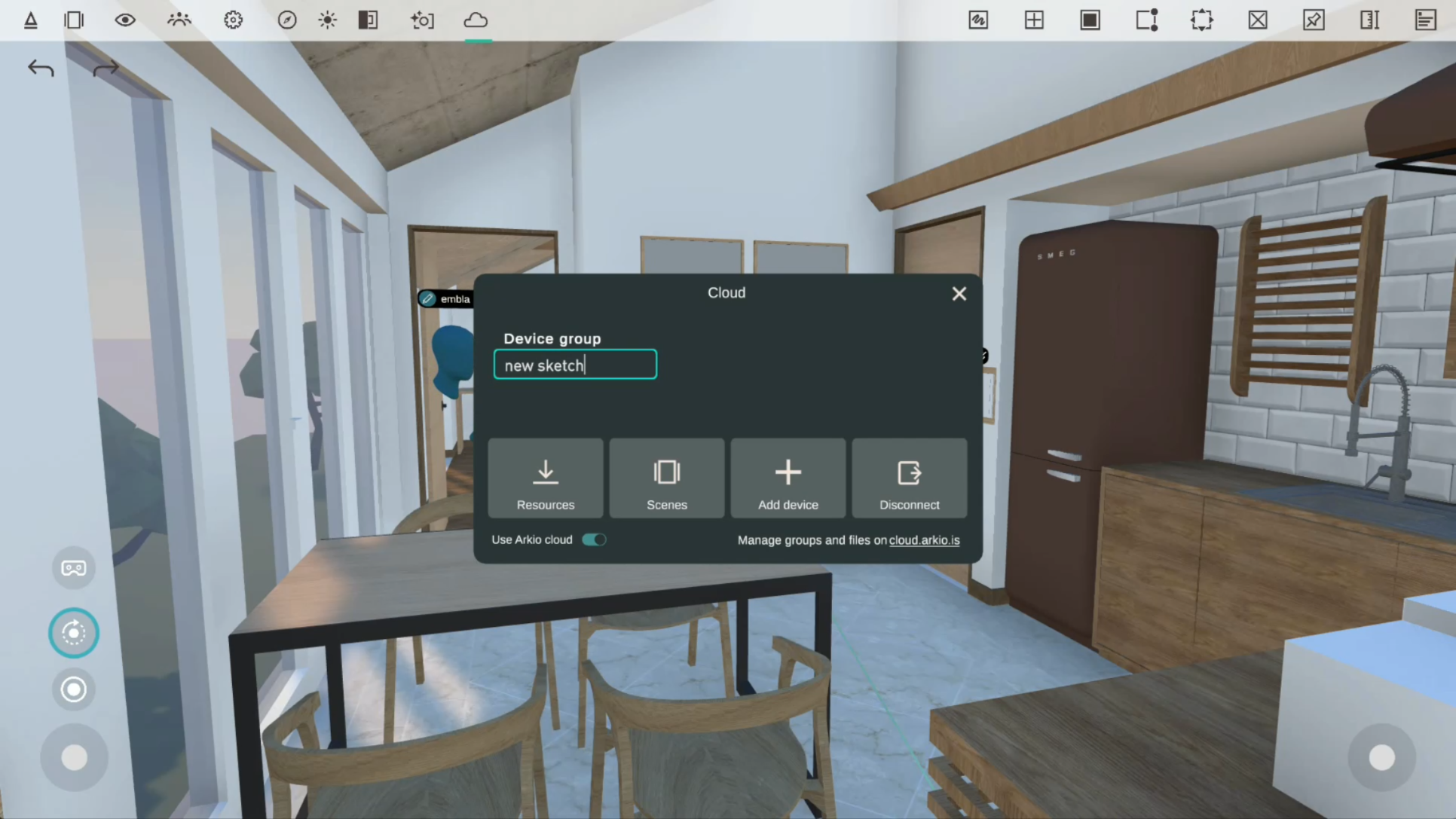
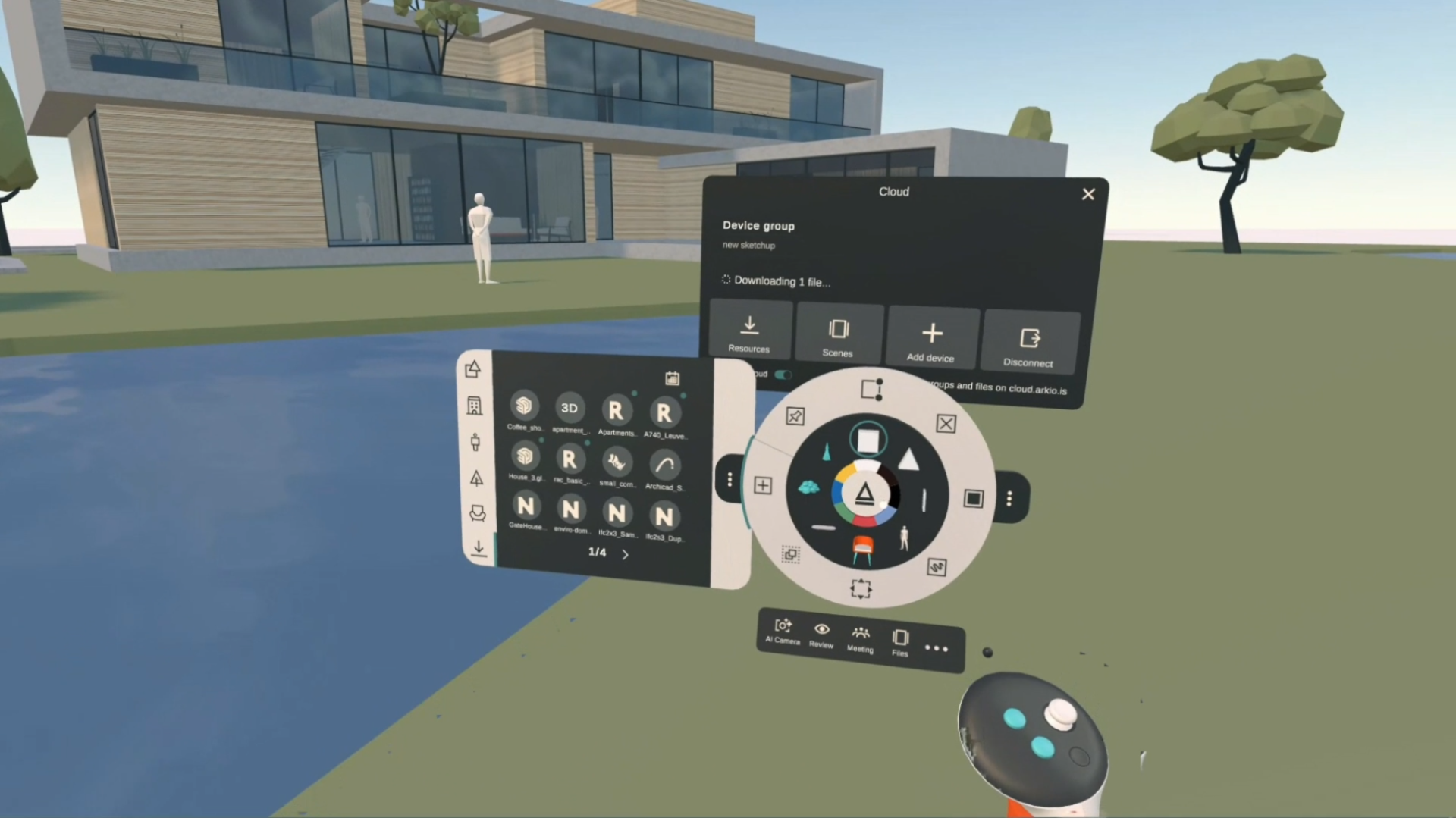
Arkio Cloud has been redesigned for improved clarity and ease of use.
Dedicated Cloud panel with status icon and notifications
New resource and scene overview
View device group status
Access latest synchronized files
Manage Cloud settings in one place
Automatic device group creation when importing or exporting on an unconnected device
Create or enter a link code from any device
Simplifies syncing across multiple devices
Option to disable Cloud functionality

Improved startup speed and reliability for PC users.
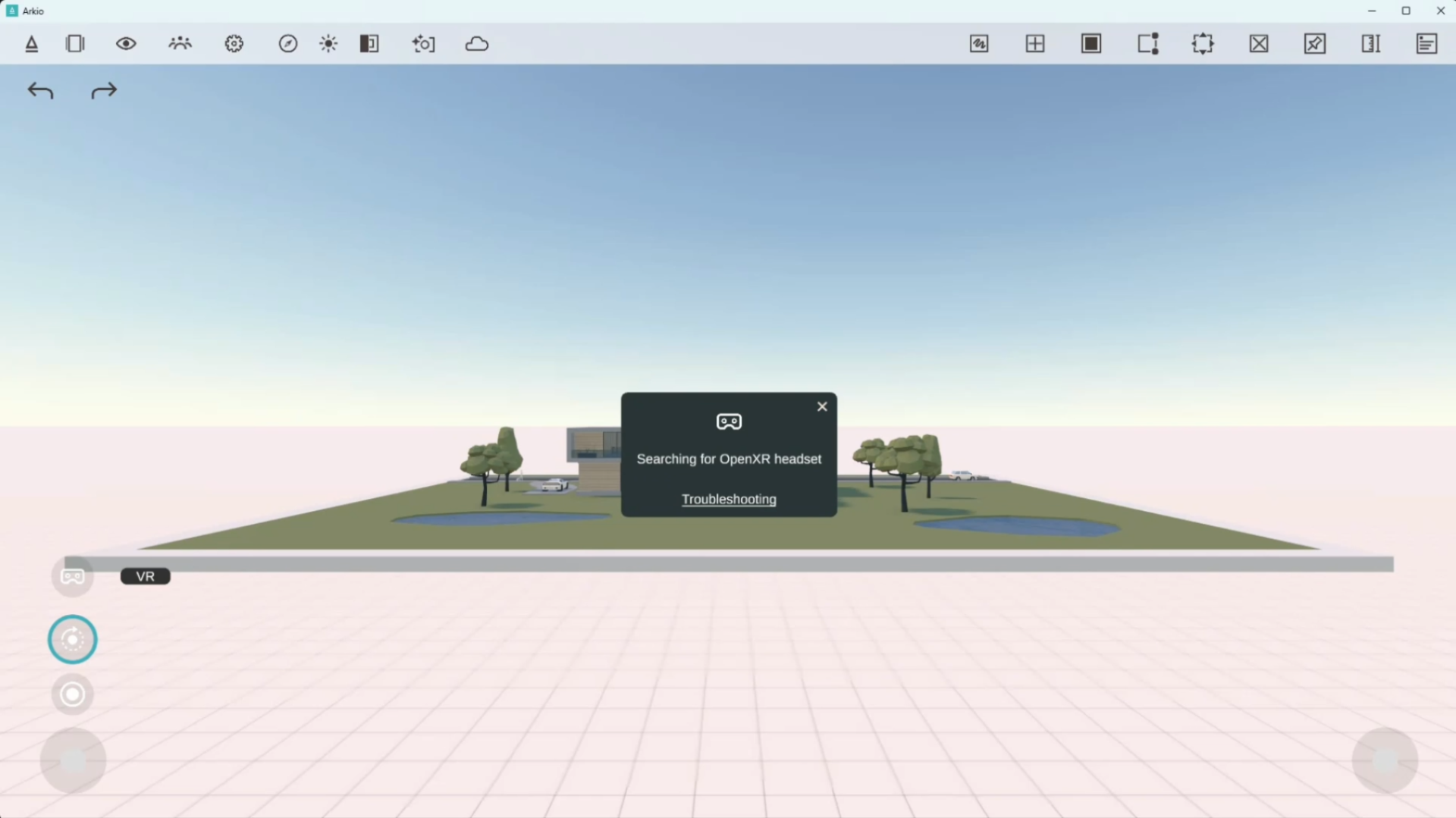
Arkio now launches in non-VR mode by default
Easily enable VR for any OpenXR-supported headset
Faster startup
Easier troubleshooting
Improved stability

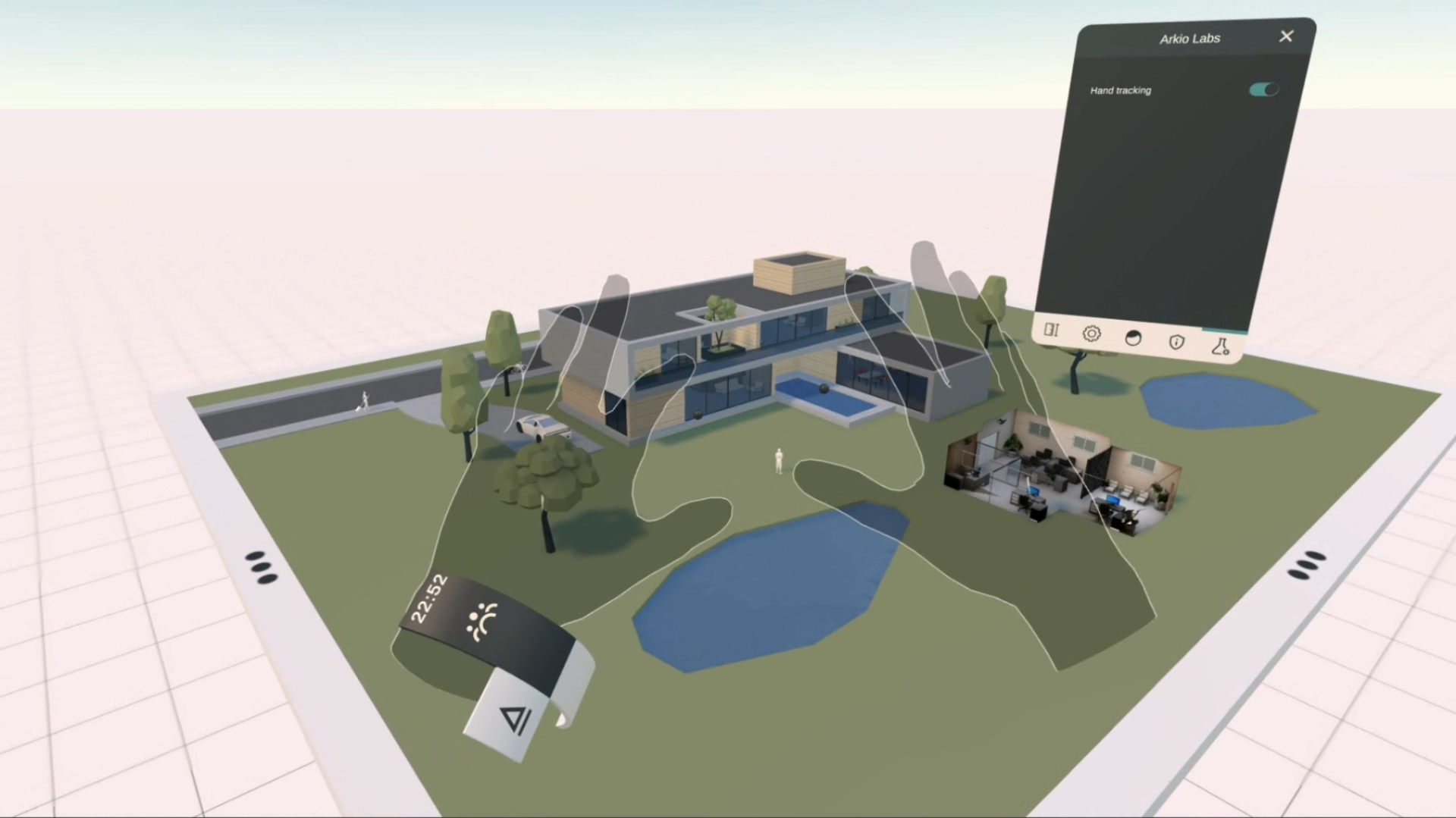
New Arkio Labs tab in Settings for accessing experimental features.
Explore upcoming tools and features in development
Current option:
Enable or disable hand-tracking interactions

Additional updates across the platform:
Improved overall user experience
Enhanced visual quality:
Reflections
Shadows
Render Resolution (Quest 3)
Performance improvements across all platforms
Hidden white table edge in human scale
Improved colocation detection
Ability to remove photos and AI photos from the camera roll
New Help Center
New Feedback page

For more information:
Visit the Arkio website
Join our community forum
November 19th, 2025
Minor updates
Improvements:
Fixed import scale for models with large extents
Fixed import scale for models loaded in imperial units
Fixed exports failing for some models
Fixed teleport tool for touchscreens
Minor bug fixes
Sketchup 2026 plugin added
October 23rd, 2025
Major updates

Arkio 2.1 builds on our recent 2.0 release, enhancing Arkio further for design ideation, presentations, and reviews. Check out the following video to see what’s new for this release.
Navisworks plugin (Enterprise plan only)
Archicad 29 support
Fly movement using left thumbstick in VR
Sun tool added in non-VR apps
Notes, frames and sketch visibility in the layer panel
Drag and drop file uploads to the Arkio Cloud page
Up to 10x faster exports via SketchUp plugin
SketchUp plugin improved tags to layer, and cutout textures
Fixed plugin export issues for OneDrive users
Fixed Arkio to Unity issue with custom imports
Fixed an issue with large extent models scaling down on import
Microphone input highlight in notes and AI camera
AI camera UX improvements
Improved VR render resolution
Fixed program imports
Various bug fixes and improvements
August 22nd, 2025
Minor updates
Improvements:
Fixed an issue with unresponsive meeting UI
Update messages in the start panel and AI camera
Minor bug fixes
August 20th, 2025
Major updates

With Arkio 2.0, we are taking design collaboration to a whole new level, whether you’re doing design ideation, design reviews, or immersive client presentations. Many areas of Arkio have been re-imagined. Check out the following video to see what’s new for this release.
New features:
New AI camera tool with AI renders and image gallery
Create collaborative image frames from the AI camera
Voice transcription for notes, set priority and assign ownership
Export notes as shareable issues to Arkio Cloud
Toggle layer visibility on Revit, Rhino, SketchUp and Archicad models
New file manager with scene previews, new layout options, search, sorting and per-scene history to restore previous scene versions
Native Archicad 27 & 28 plugins for Windows and Mac
Presentation mode in meetings
Scene sharing via Arkio Cloud
New primitive round shapes
Table UI in VR gives access to scene environment settings
Improvements:
Improved wall and component drawing
Various improvements to large model support and increased import stability
Streamlined plugin import and cloud sharing workflows
Enhanced main menu with more accessible extras drawer
New UI for non-VR devices
Updated Arkio store panel
Improved review panel with auto-generated note and frame views
Gather meeting users to front, back or center
Toggle local view-only mode
Ambient occlusion toggle on all devices
Multi-language text input fields
Updated Meta avatars
Multimodal input with ability to use controllers and hands simultaneously
Various usability and stability improvements
October 23rd, 2024
Minor updates
Arkio improvements:
Logitech MX INK stylus input improvements
Fixed an import issue for Unity originated files
Improved performance for meetings with +8 users
Apple App Store restore purchase button added
Minor bug fixes
September 26th, 2024
Major updates

New Arkio features:
New Logitech MX INK stylus support
Notification for recently updated imports
Sort imports by date, name and type
Autodesk Construction Cloud (BIM360) export portal added to Arkio cloud
Imperial unit dimensions and snap increments
Teleport around the table edge to face the model in god scale
Press the thumbstick up/down to use scrollbars in Arkio
Arkio improvements:
Improved occlusion and performance for large imported models
Colocation stability and UX improvements
Improved wall creation
Cloud link simplification for Arkio cloud groups and ACC
Imported model placement/update simplifications
Prevent Z-fighting for floors and ceilings of imported models
Show outline hands instead of Meta avatar arms
Teleport from both controllers
Other bug fixes and improvements
August 8th, 2024
Minor updates
Arkio improvements:
Resource download speed improvements
Loading more GLB data formats
Additional dimension line improvements
Reintroduced mm and cm placement units for imported models
Imported model units too small/large warnings
Fixed issue for some models and textures that failed to import
Automatic meeting reconnection
Improved sun shadows
Proportional guide edit improvements
Arkio update available notifications
Performance improvements
Minor bug fixes
Plugin improvements:
Correct export file size calculated in Revit plugins
Rhino 8 plugin support
Rhino export speed and detail improvements
Fixed Rhino custom material export issues
Fixed various Rhino export issues