Getting started with Arkio 3.0 for web
Written By Johan Hanegraaf
Last updated 4 days ago
Arkio 3.0 for web lets you develop 3D designs with an AI agent in your browser. You can describe a design idea, ask for changes, and work directly on the model using Arkio’s tools.
“Agents” can take actions in your scene. You can watch the design develop, inspect the result and guide your agent to work on the next steps.
1. Open Arkio in your browser
Go to app.arkio.is to get started.
2. Sign in
Select Log in, enter your email address, and use the verification code sent to your inbox.
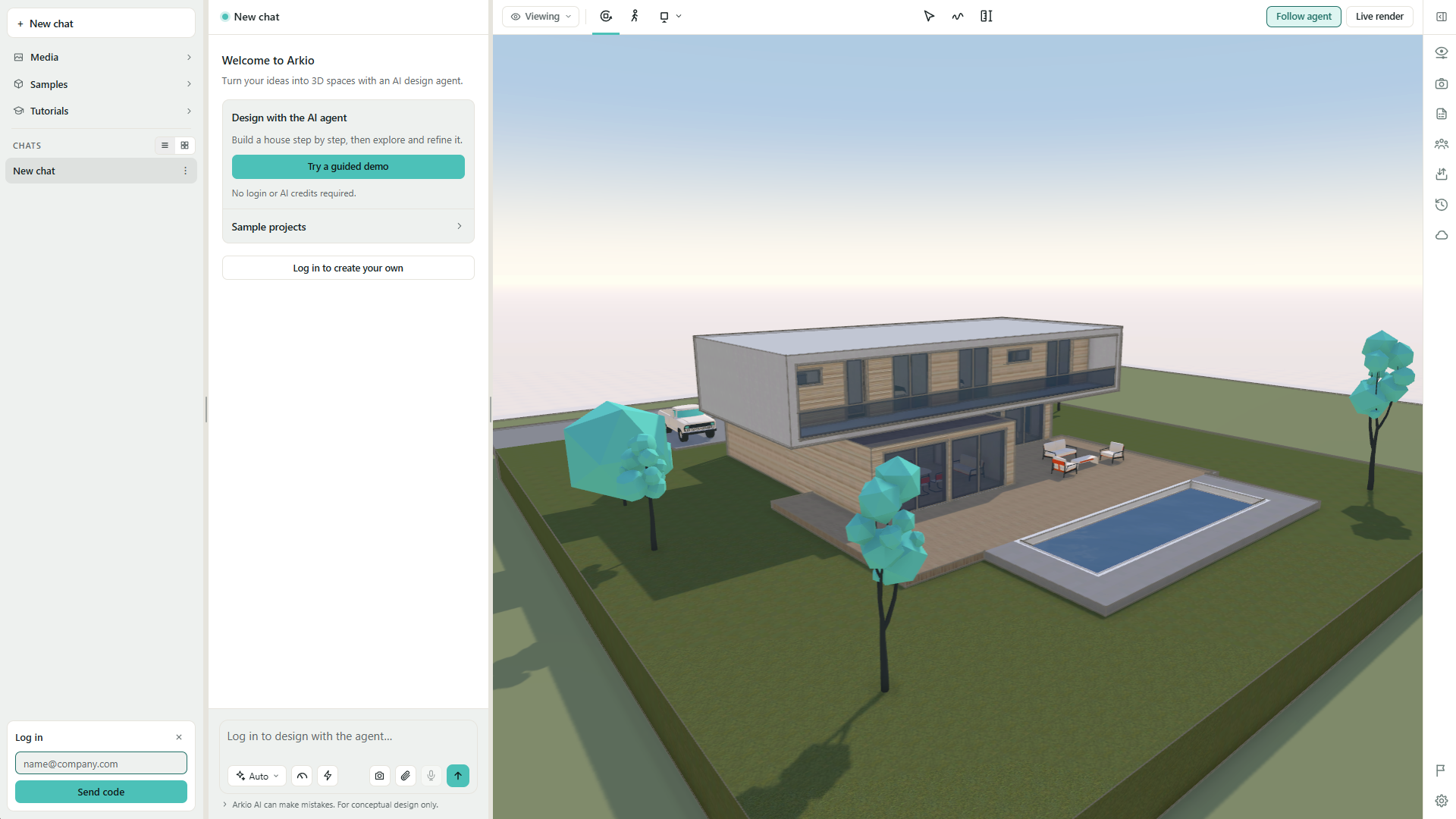
If you have trouble signing in, check your email address or contact support@arkio.is for help.
3. Try the guided tutorials
The Design with the AI agent tutorial introduces conversations, navigation, selection, and sketching through a prepared design example.
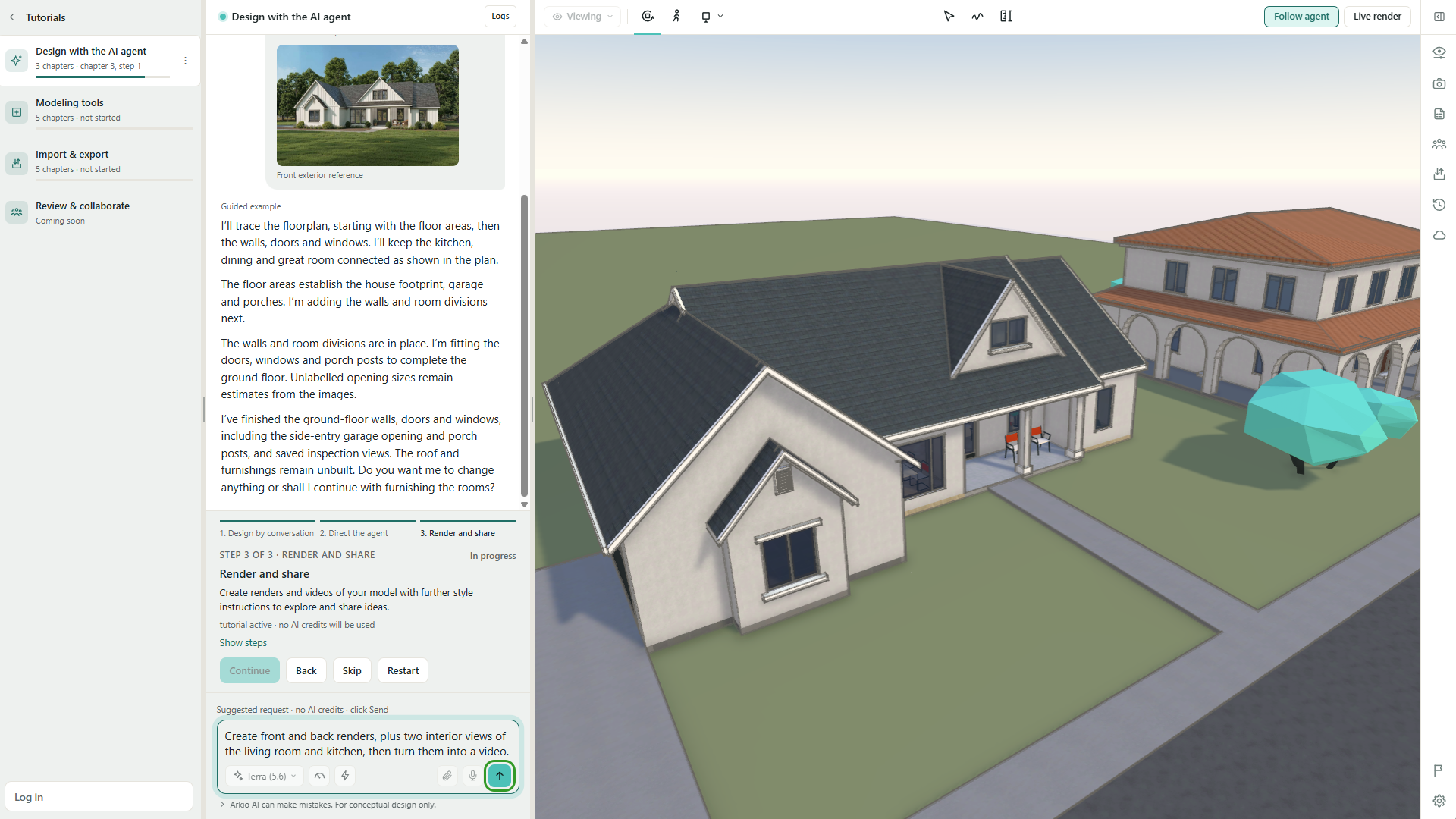
The suggested prompts, model changes, and example images are part of a guided demonstration rather than generated live. These examples do not use AI credits.
4. Start your own AI design conversations
Start a new chat and describe the design you'd like to explore. Your requests will use the live AI agent and consume AI credits. Try uploading photos, drawings, or sketches of a building and ask the agent to recreate it in 3D.
Or start with a design brief like:
Use the provided photos, sketches, and drawings to create this building in 3D.
Design a 180 m² Victorian-style, three-bedroom house for a family of four.
Design a 60,000-seat football stadium in an urban context.
Inspect the results, ask for changes, and gradually try more complex design tasks. You can also use Arkio's modeling tools to make changes directly in your scene.
Learn more about working with the AI agent.
5. Get help and share feedback
We'd love to hear about your experience with Arkio 3.0. If something doesn't work as expected, or you have suggestions for improvements, you can share feedback or contact us at support@arkio.is.
Was this helpful?
Still need help? Ask the team